


Create interactive presentations and engaging slides
Too often, presentations turn learners into passive listeners. Attention fades, understanding stays superficial, and feedback comes too late. Interactive presentations change this dynamic by inviting learners to think, respond, and reflect throughout the session, not just at the end.
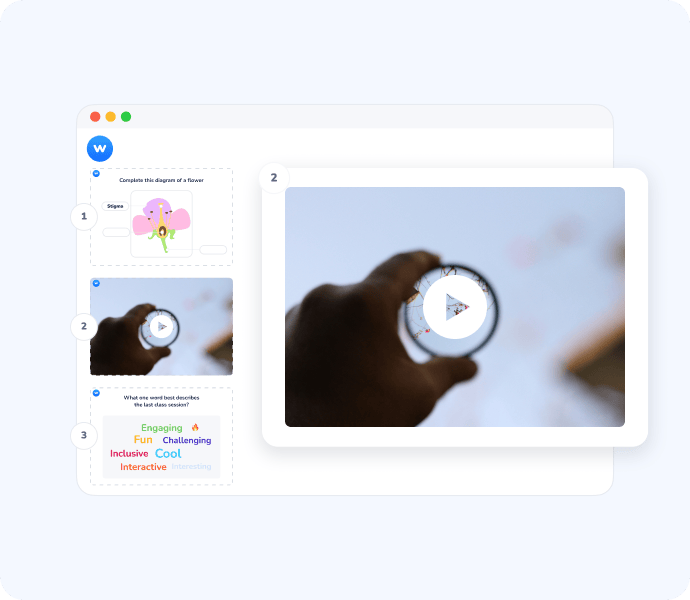
Interaction fundamentally changes how presentations support learning
From passive listening to active thinking
When learners interact during a presentation, they stay mentally engaged. Asking them to respond, decide, or reflect transforms information delivery into a learning experience.
Make understanding visible, in real time
Presenters often assume messages are clear until it is too late. Interactive moments surface misconceptions and knowledge gaps as they happen, allowing immediate clarification.
Create space for every voice
Not everyone feels comfortable speaking up. Interactive presentations allow participants to contribute anonymously and at their own pace, making participation more inclusive and balanced.
Embed interaction directly into your slides
Transform existing presentations into interactive experiences without changing your flow. Learners respond while the presentation unfolds, keeping focus aligned with your content.
You don’t need to recreate your slides to make them interactive. Wooclap integrates directly with the presentation tools you already use, so interaction fits naturally into your existing materials.
- Microsoft PowerPoint integration: Insert interactive questions directly inside your PowerPoint slides. Launch polls, quizzes, or open questions without leaving your presentation and keep full control over the session flow.
- Google Slides integration: Turn Google Slides into a fully interactive experience. Add questions, collect responses live, and engage participants without disrupting your presentation rhythm.
- Import your slides into Wooclap: Upload your existing presentation directly into Wooclap and insert interactive questions between slides. This lets you centralize content and interaction in one place, while keeping your original structure intact.
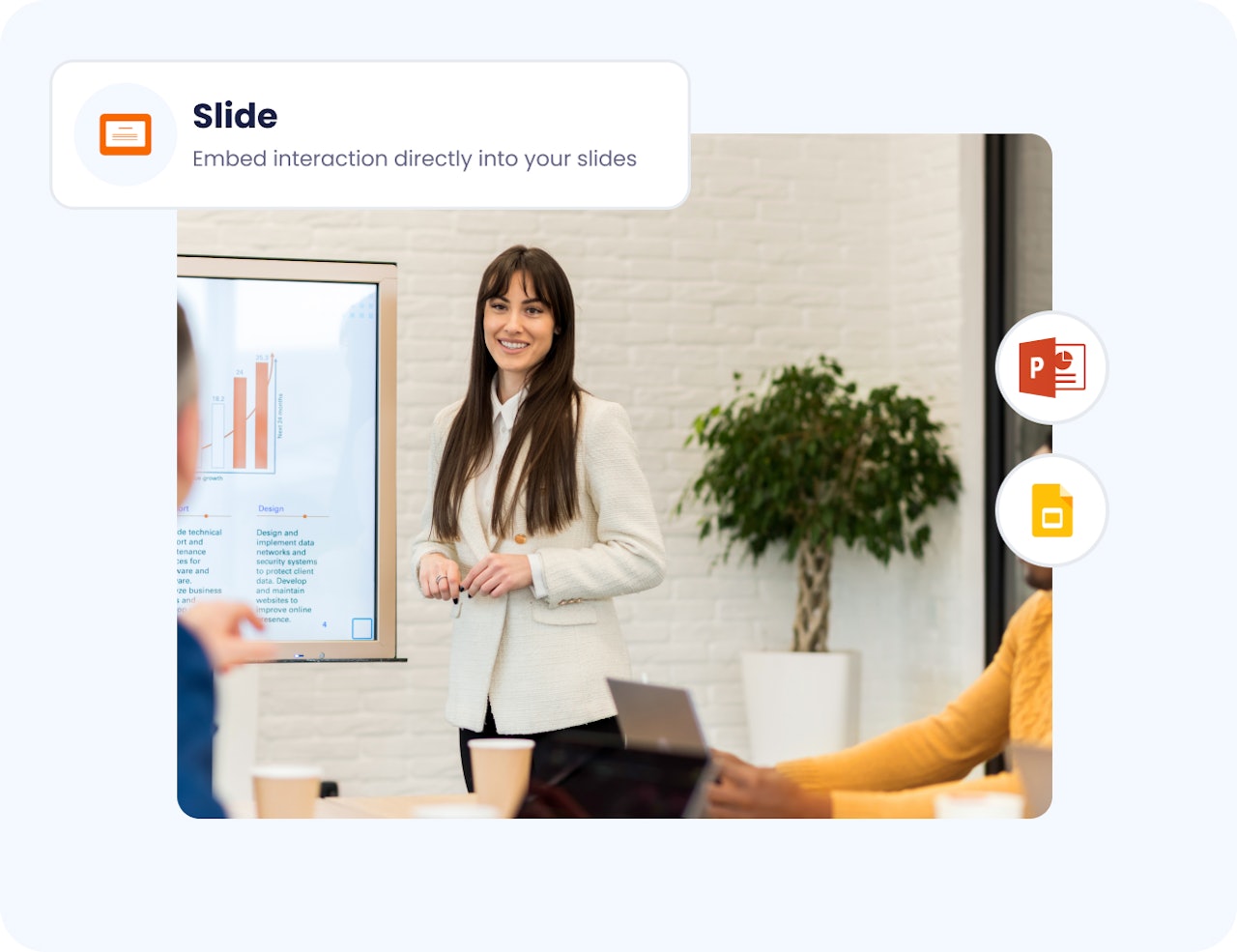
Turn any static presentation into an interactive experience
- Adapt to any group size or context: Run interactive presentations in lectures, training sessions, workshops, or remote meetings. Whether small groups or large audiences, interaction scales naturally.
- Collect feedback and insights as you present: Gather opinions, answers, and reactions in real time. This helps you adjust your pacing, revisit key points, or explore emerging questions when they matter most.
- Balance structure and spontaneity: Prepare interactive moments in advance while staying free to react to your audience. Interaction becomes a support for facilitation, not a constraint.
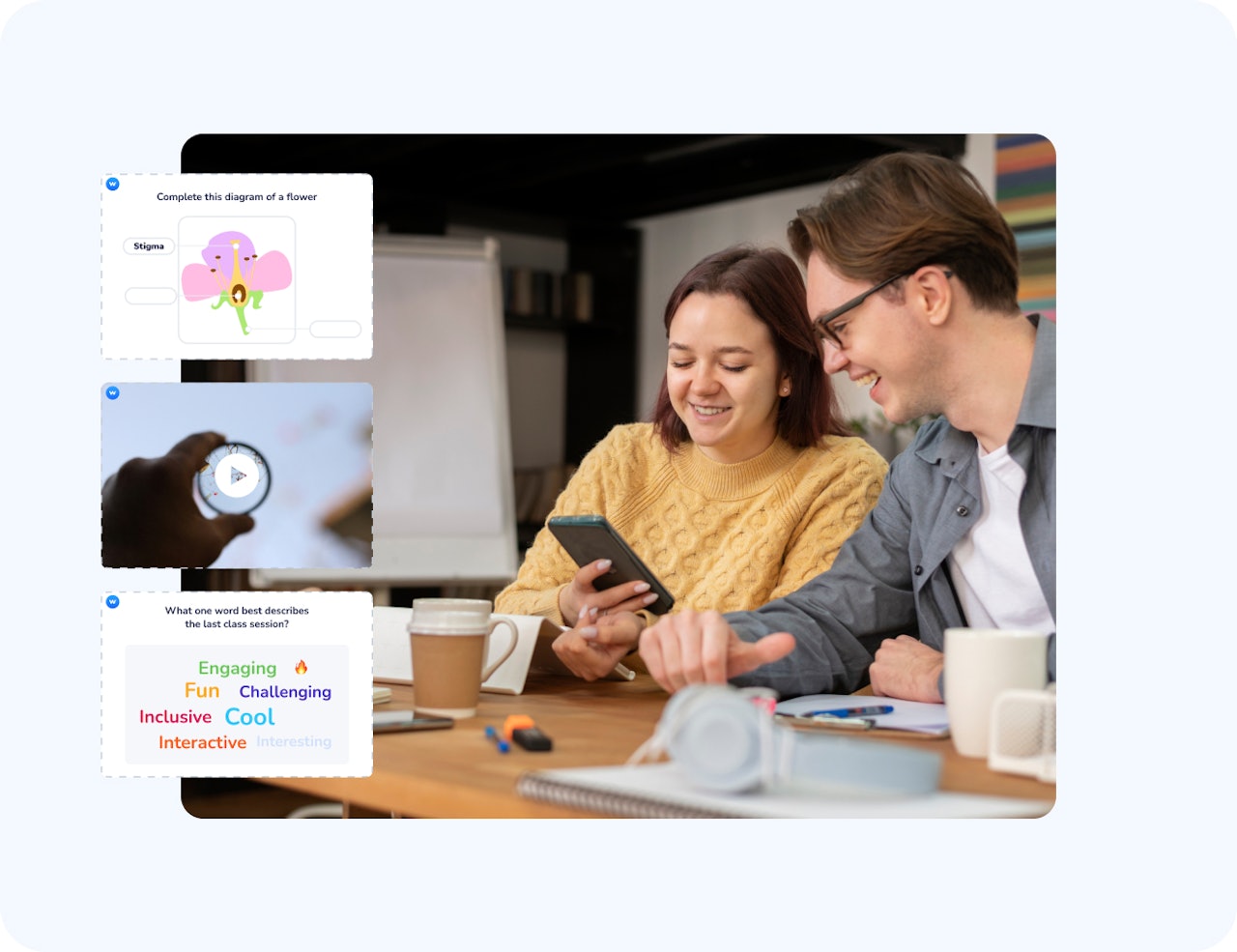
"An interactive presentation isn't about slides, it's about asking the right questions. These questions aim to activate Dehaene's four pillars of learning: Attention to focus, engagement to participate, feedback to adjust, and consolidation to retain. When teaching becomes interactive, learners don’t just listen, they think, connect, and remember."
Dehaene, S. (2018). How We Learn.
Choose the right interaction for each learning moment


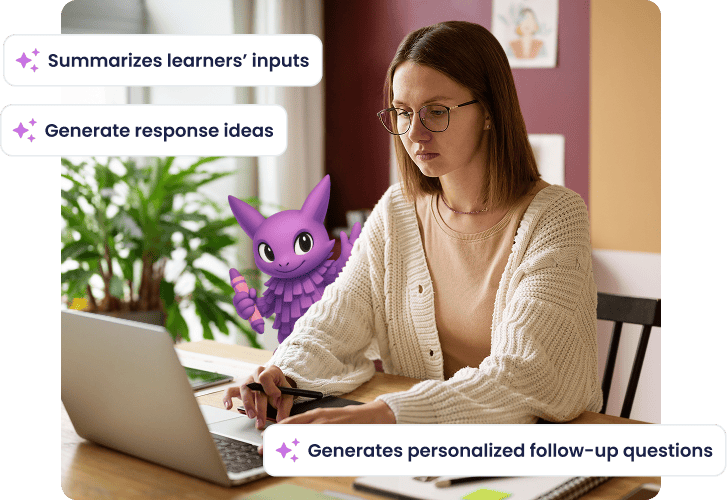
Save time and boost engagement with Wooclap AI
Auto-create questions, diversify formats, and save hours of preparation while keeping learners actively involved.
Make your next presentation truly interactive
Join millions of educators and trainers using Wooclap to engage their learners.

Frequently asked questions
Have questions? We’ve got answers to help you !