


Multiple-choice questions, made interactive
Set predefined answers and see how everyone responds in real time, to check understanding and surface misconceptions on the spot.
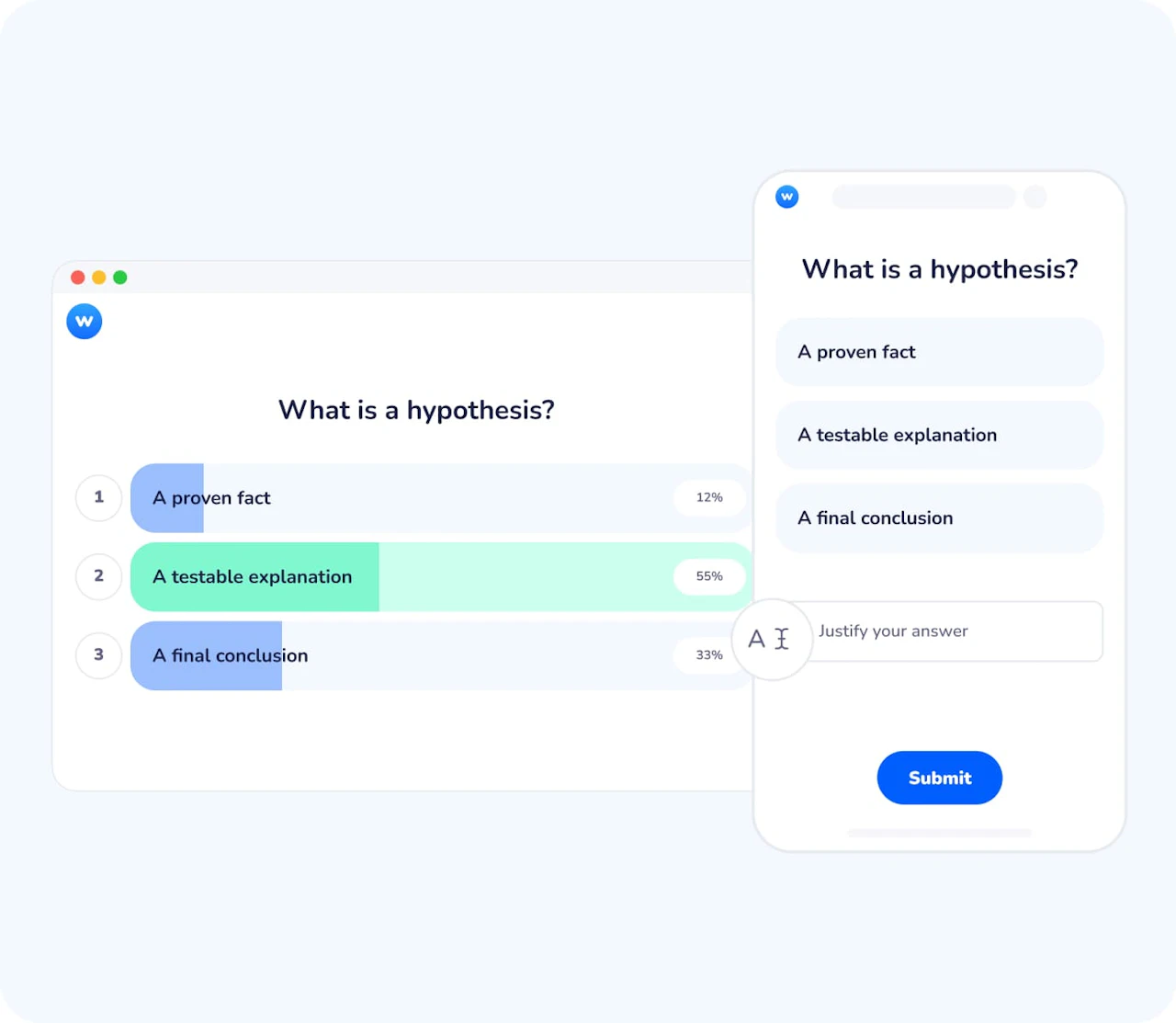
A simple way to check understanding, in real time
Clear insight into understanding
See immediately which options participants choose and where misunderstandings appear. This helps you adjust your explanation on the spot instead of moving on too quickly.
Active participation from everyone
Every participant answers individually, which reduces passivity and guessing. Even quieter learners engage without having to speak up.
Flexible for many teaching and training moments
Use MCQs to introduce a topic, review key points, test assumptions, or support decision-making, both live and asynchronously.
Move from guessing to demonstrated understanding
Multiple-choice questions prompt participants to commit to an answer rather than simply follow along. By comparing response distributions, you can identify dominant ideas, minority views, or confusion, and use these insights to guide discussion or clarification.
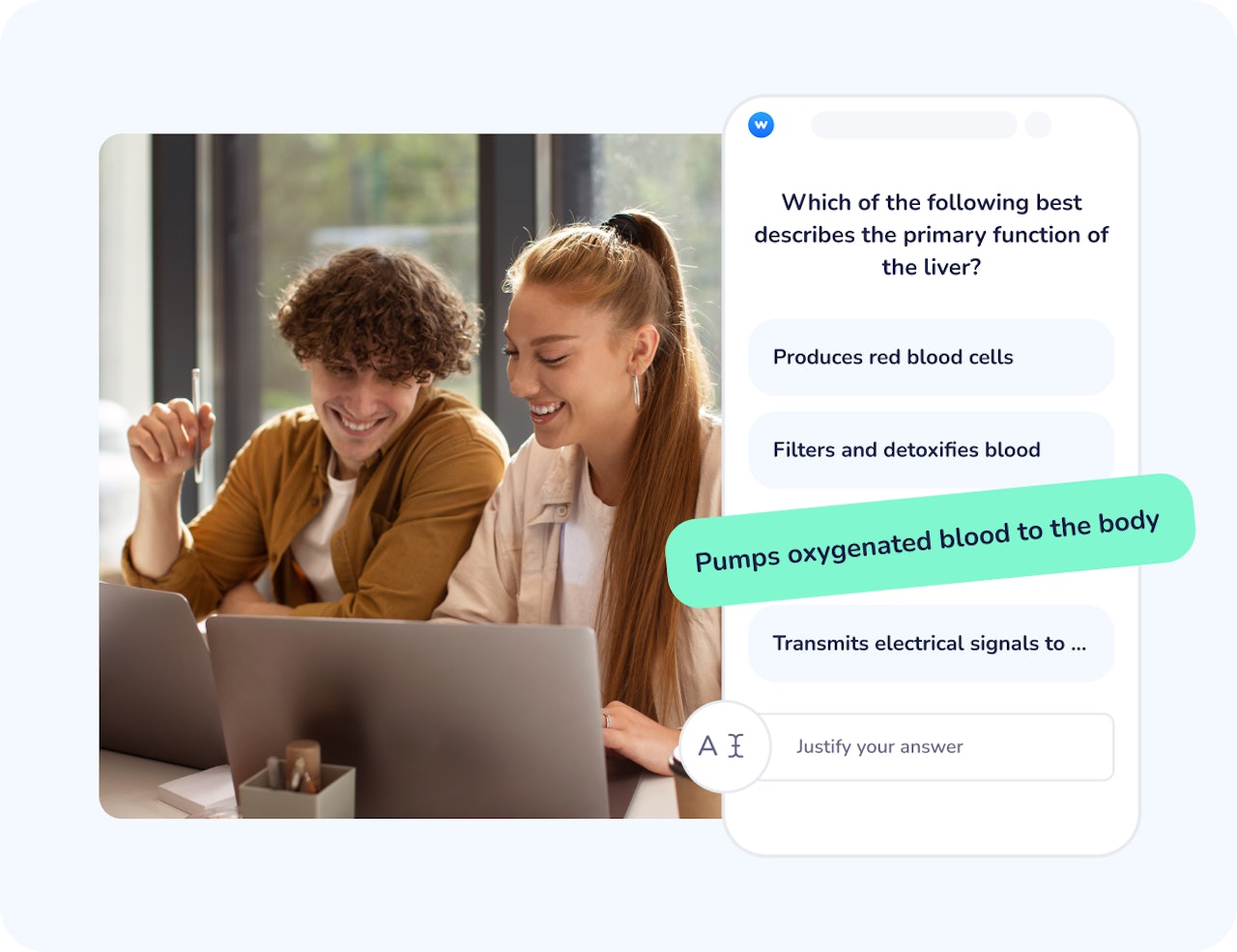
Support meaningful discussion, not just right or wrong answers
MCQs are not limited to final answers. They create a shared reference point that helps you ask follow-up questions, invite explanations, or compare reasoning, especially when there is no single obvious answer.
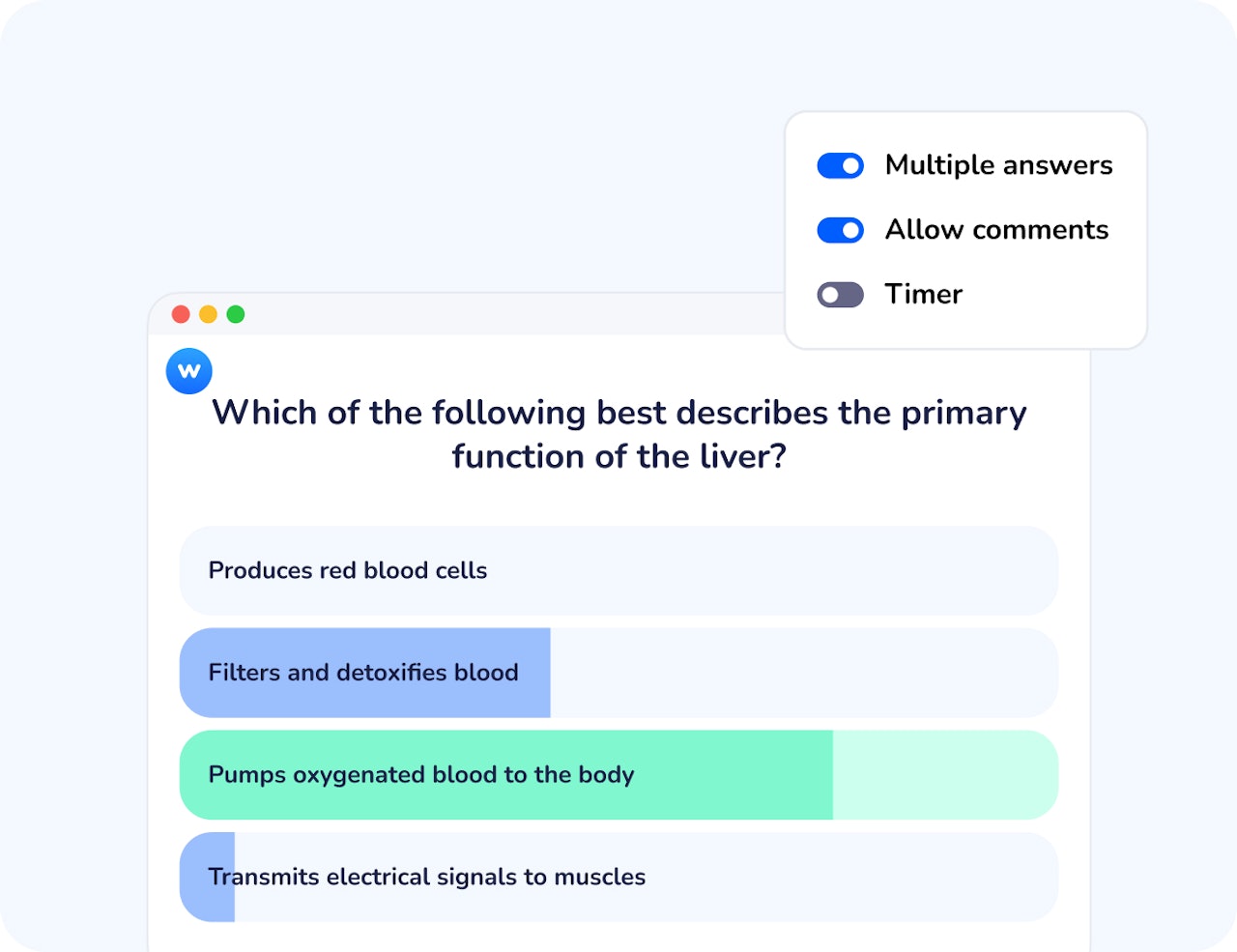
How multiple-choice questions work
Create your question
Write your question and define the answer options. You can choose one correct answer or allow multiple correct answers depending on your objective.
Launch it with participants
Participants answer live on their own devices or asynchronously. Responses are collected instantly as they submit, and participants can optionally add a comment to explain or justify their choice, adding valuable context to the results.
View and use the results
Results appear in real time and can be displayed, hidden, or revisited later to support explanation, feedback, or discussion.
How teachers and trainers use multiple-choice questions
Multiple-choice questions fit naturally into many learning and facilitation contexts, from formal courses to interactive workshops.
Higher education lectures
Check understanding of key concepts before, during, or after a lecture without interrupting the flow. You can add a timer to encourage quick thinking and keep attention focused.
Professional training sessions
Assess knowledge, validate learning outcomes, or support decision-making during workshops and seminars. Competition mode adds a playful dynamic that boosts engagement and participation.
Exam preparation and revision
Help learners practice identifying correct answers and reflect on common mistakes.
Interactive meetings or conferences
Engage large audiences and quickly gather opinions or preferences.
Save time when preparing questions
Wooclap AI helps you generate multiple-choice questions from your content, saving preparation time while keeping questions aligned with your learning goals. You stay in control, editing or refining suggestions before using them with participants. Once responses are collected, the Learning Consolidator AI agent can generate targeted follow-up questions based on learners’ answers, helping extend the activity beyond a simple check and reinforce understanding over time.
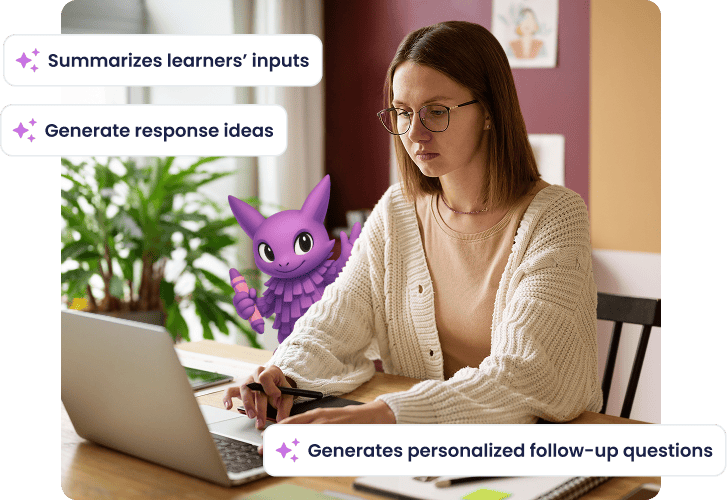
Make understanding visible with multiple-choice questions
Create single- or multiple-answer questions
Define one or several correct options to match your learning objective and level of complexity.
Collect responses live or asynchronously
Engage participants during a session or allow them to answer at their own pace.
Visualize results instantly
See response distributions in real time to identify patterns, agreement, or confusion.
Encourage participation from everyone
Every participant answers individually, reducing passivity and social pressure.
Reuse questions across sessions
Keep your questions and use them again in future courses, trainings, or events.
Start engaging your audience with multiple-choice questions
Create your first question in minutes.

Frequently asked questions
Have questions? We’ve got answers to help you get the most our your....