


Quiz Maker: create your quiz in minutes
What better than an interactive quiz to put your knowledge to the test? Build a custom, intuitive, easy-to-use online quiz with Wooclap and capture your whole audience’s attention.





What is a quiz maker?
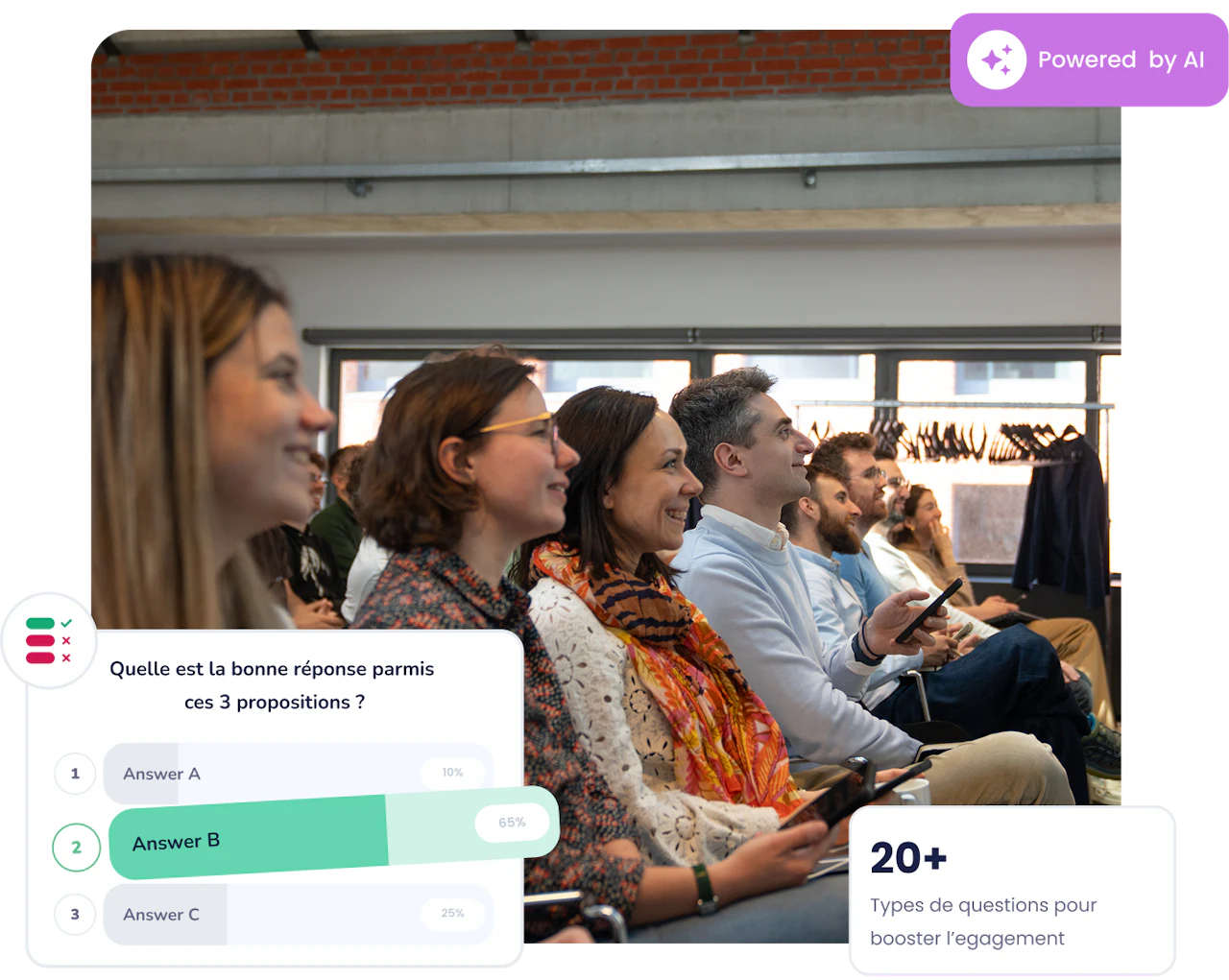
A quiz maker is a tool for building interactive questionnaires that put knowledge to the test. Whether in person or remotely, an online quiz gives education and training professionals a powerful way to stimulate their audience and gather data on each user’s answers, across every kind of educational setting.
With Wooclap, you create your interactive quiz in just a few clicks, then invite your users or audience to join with a QR code or an event code. Wooclap takes care of the rest, and you view the results through a clear, intuitive online interface.
More than a simple quiz generator
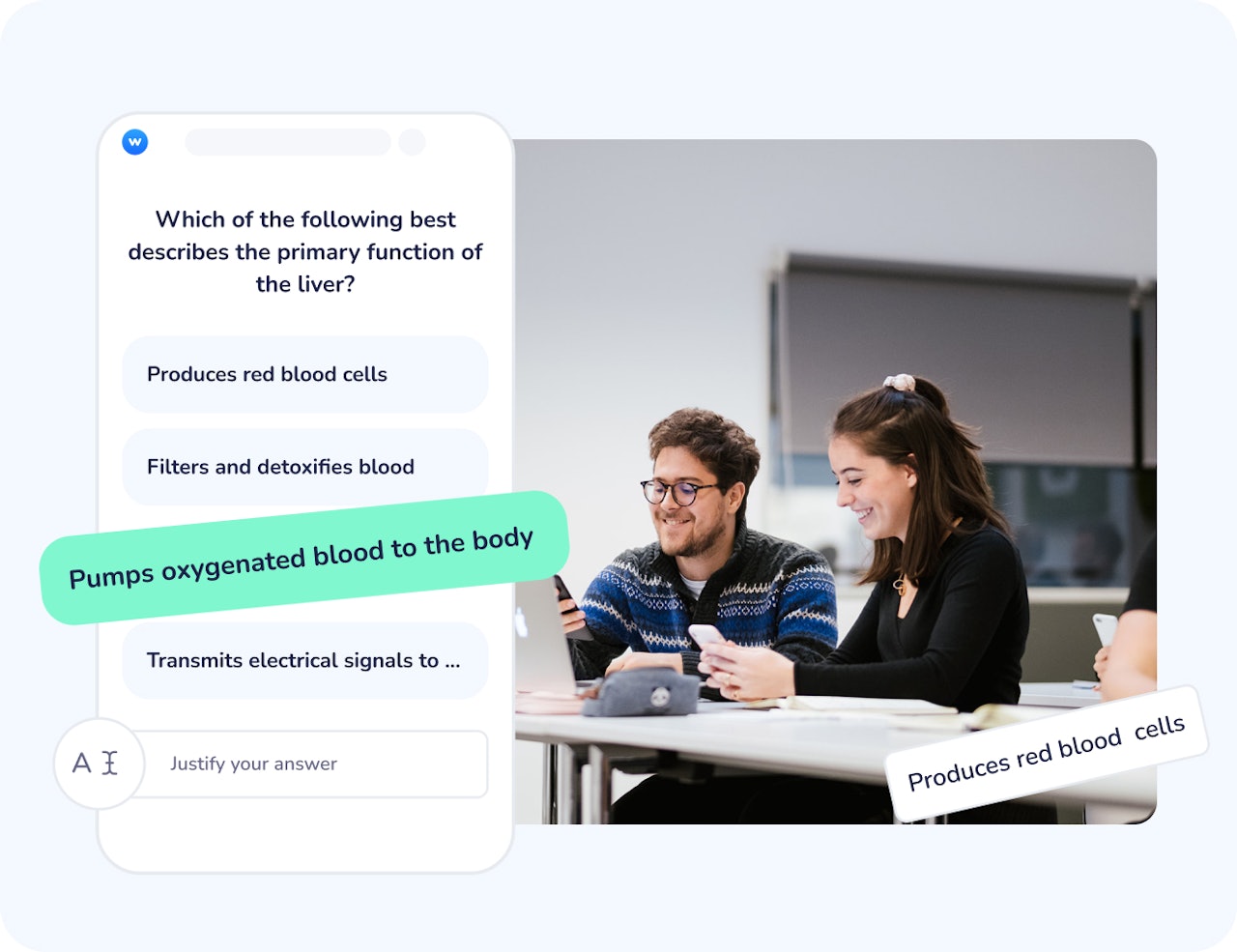
Turn every quiz into a real learning opportunity: engagement, retention, and measurable results.
Built for every subject and every audience
Lectures, corporate training, workshops, revision or onboarding, the Wooclap quiz maker adapts to your context. Build a quiz for 10 or 1,000 people, in person or remote, with the same fluidity.
Designed for real learning outcomes
Wooclap draws on cognitive science and makes proven teaching methods easy to apply. Quizzing consolidates group knowledge in an atmosphere of friendly competition, while our AI supports you from preparing the quiz to running it live.
Simple to adopt, made for everyday use
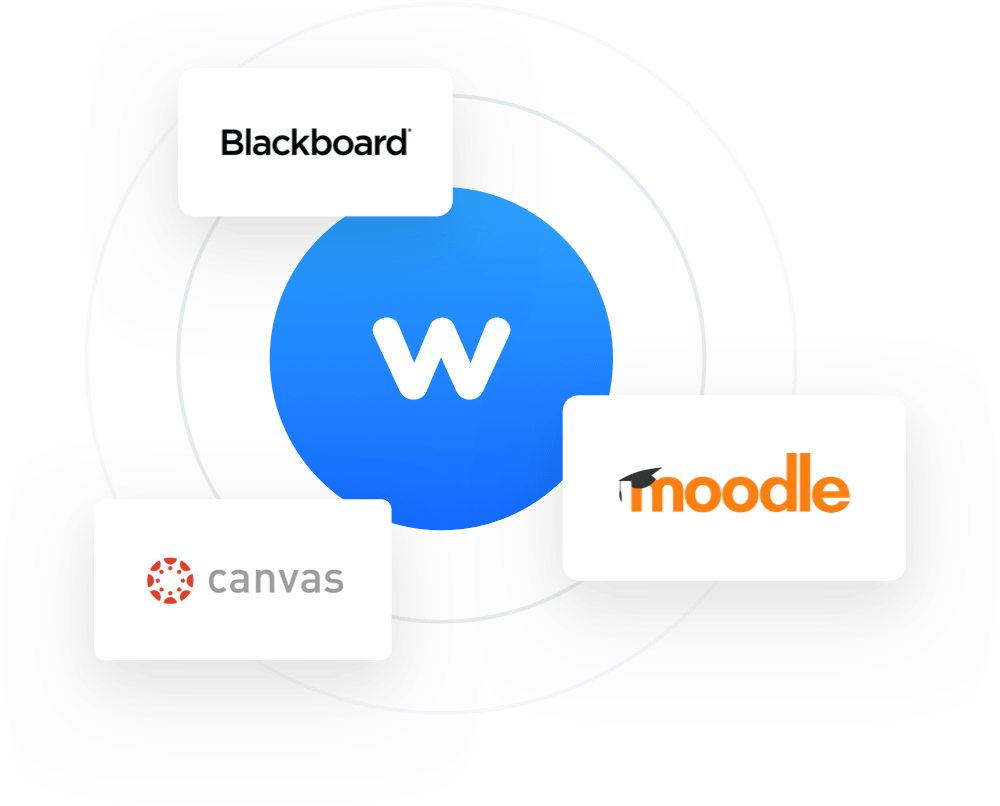
Create a quiz in a few minutes, plug it into the tools you already use (PowerPoint, Google Slides, Keynote, Teams, Moodle…), and rely on it for your weekly courses as well as your largest events.
From creation to analysis: a quiz maker with no friction
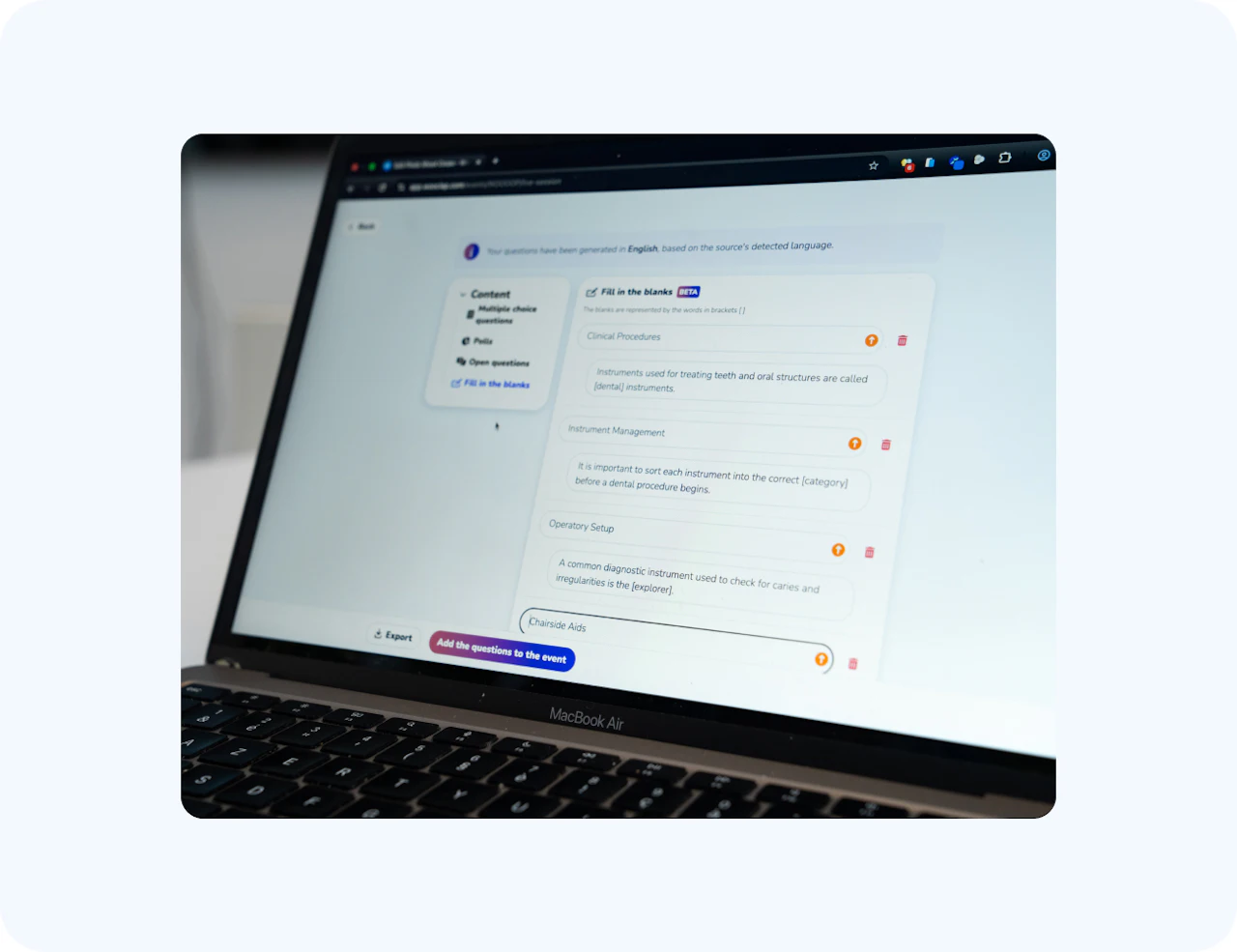
Save time with our AI: turn a course, a PDF or your notes into a ready-to-launch quiz in a few clicks. Choose the question types you want and let the AI generate the rest — then add, remove or adapt each question before you go live.
Your participants then join the quiz with no download and no account, from any smartphone or computer; a simple QR code or access link is enough At the end of the session, export the detailed results (by participant or by group) as PDF or Excel to track progress over time.
How to create a quiz with Wooclap
Three steps to go from an idea to an interactive quiz shared with your audience.
Choose your question types
Select from 20+ question formats and customize the settings: timer, random order, and how results are displayed. Browse our examples and templates if you need inspiration.
Share access in one click
Launch your quiz and share it instantly. Participants join the session by scanning a QR code, clicking a link, or entering an event code on the Wooclap website.
View and export the results
Follow answers in real time on your screen. When the session ends, open detailed reports (participation rate and percentage of correct answers) and export the results from your dashboard.
A quiz for every need
The Wooclap quiz maker fits lectures, professional training and team meetings alike.
Knowledge assessment
Check understanding before, during or after a session. Spot the concepts that didn’t land and adapt your teaching accordingly, without switching into exam mode.
Test quiz
Check that your target users have acquired the knowledge, before, during or after a course or training.
Professional training and onboarding
Run your training sessions, measure how skills are progressing, and make onboarding more engaging with interactive quizzes.
Event and meeting facilitation
Energize a team meeting or break the ice with your audience: Competition mode helps you gamify any session.
Your quiz, inside your everyday tools
No need to change your habits. The Wooclap quiz maker integrates natively with the tools you already use.



Real results, around the world

“Wooclap offers a far wider variety of question types than what you’ll find elsewhere, and lets you engage an audience both live and at their own pace.”
Colin YuckmanSenior Director Digital Learning Formation, Duke University
Ready to create your first quiz?
Launch an interactive quiz in minutes and turn your next session into a moment of active learning. No commitment, no setup.

Your questions about the quiz maker
Everything you need to know before building your first quiz with the Wooclap quiz maker.