


Attendance tracking, takes itself
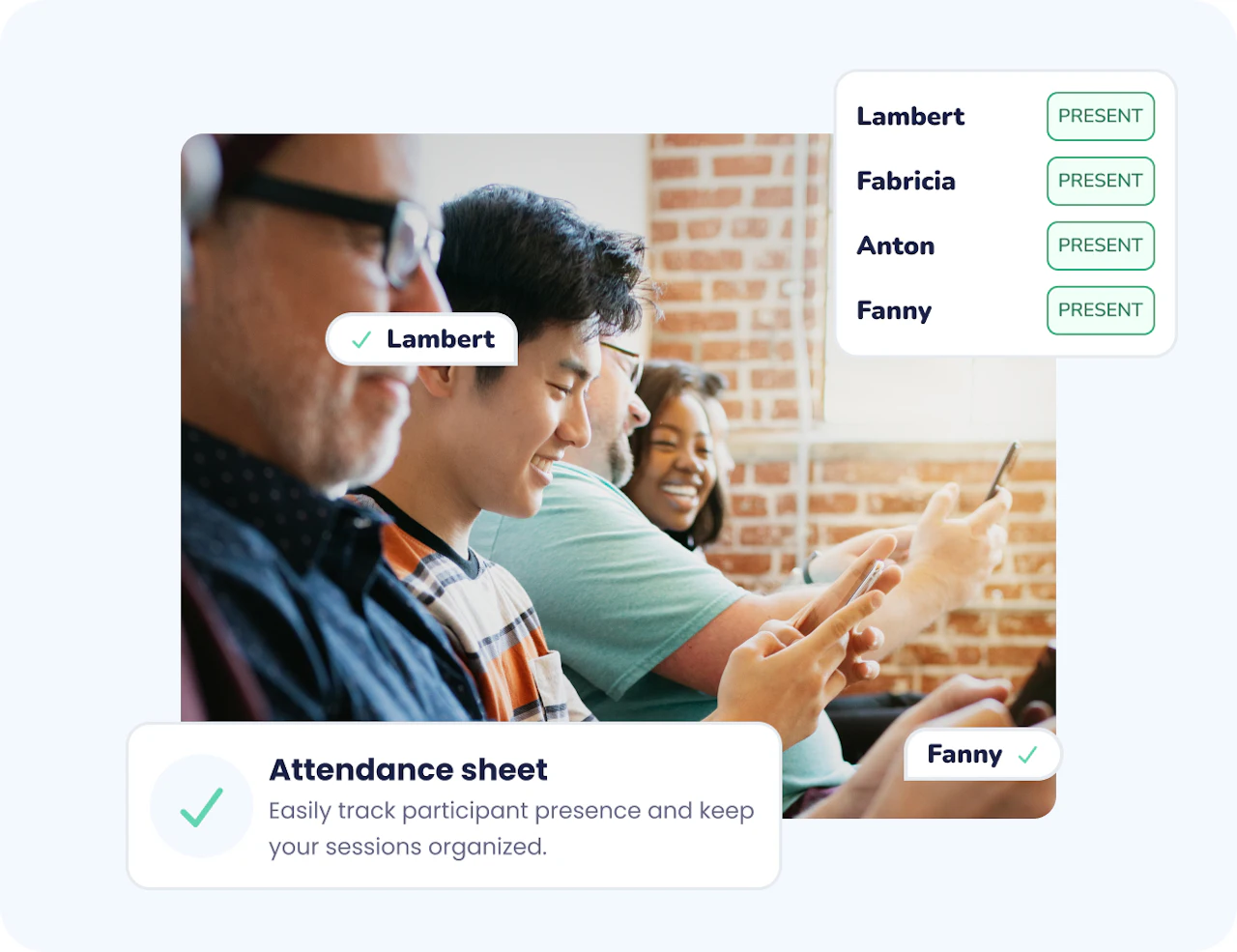
Wooclap's Attendance Sheet lets you record participant presence automatically at the start of any session, no paper lists, no separate tool. Participants confirm their identity before accessing the content, and their name and timestamp are captured instantly. It works for in-person, hybrid, and remote sessions, and fits seamlessly into the teaching or training flow you already use.




Why Attendance Sheet saves time and improves accuracy
Zero manual work
Attendance is collected automatically as participants join. No checking names off a list, no separate form to manage, the data is there before the session even begins.
Accurate, timestamped records
Every entry captures the participant's name and the exact moment they accessed the event. That precision matters for accreditation, compliance reporting, and grading.
Works across all session formats
Whether your session is live in a lecture hall, fully remote, or hybrid, the Attendance Sheet works without changing anything in your workflow. It's always in the same place, always the same experience.
From manual hassle to automatic records
Taking attendance the traditional way means interrupting the start of a session, chasing latecomers, and then transcribing data into a spreadsheet. With Wooclap's Attendance Sheet, that chain disappears. Participants sign in as they join, via QR code, direct link, or LMS, and the data is waiting for you in the Report tab as soon as the session starts.
Data that goes where you need it
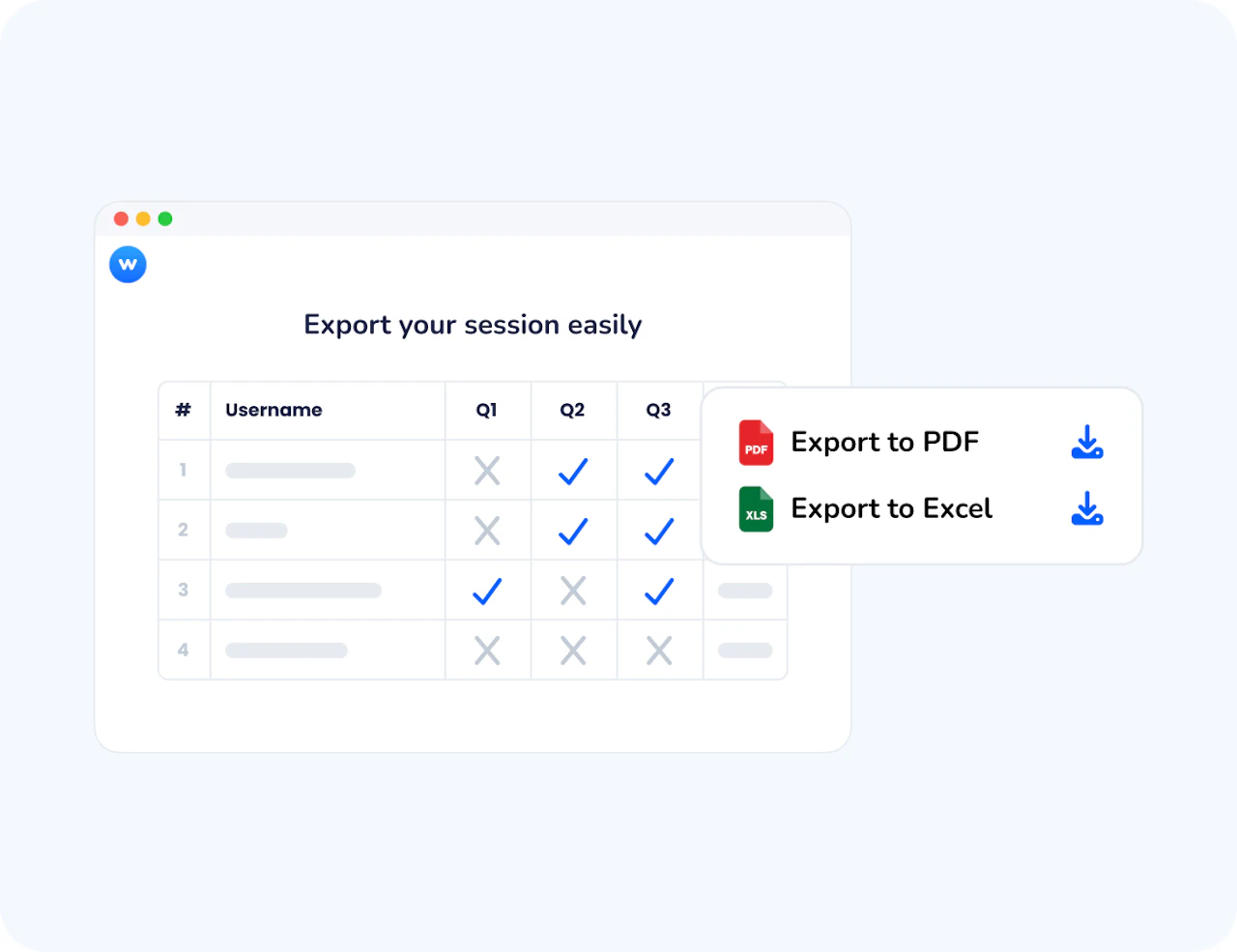
Collecting attendance is only useful if the data ends up in the right place. Wooclap exports clean, complete records in PDF or Excel, with participant names, timestamps, session details, and your organisation's branding. And for institutions using an LMS, attendance can sync directly to the gradebook without any manual transfer.
How Attendance Sheet works
Activate in your event settings
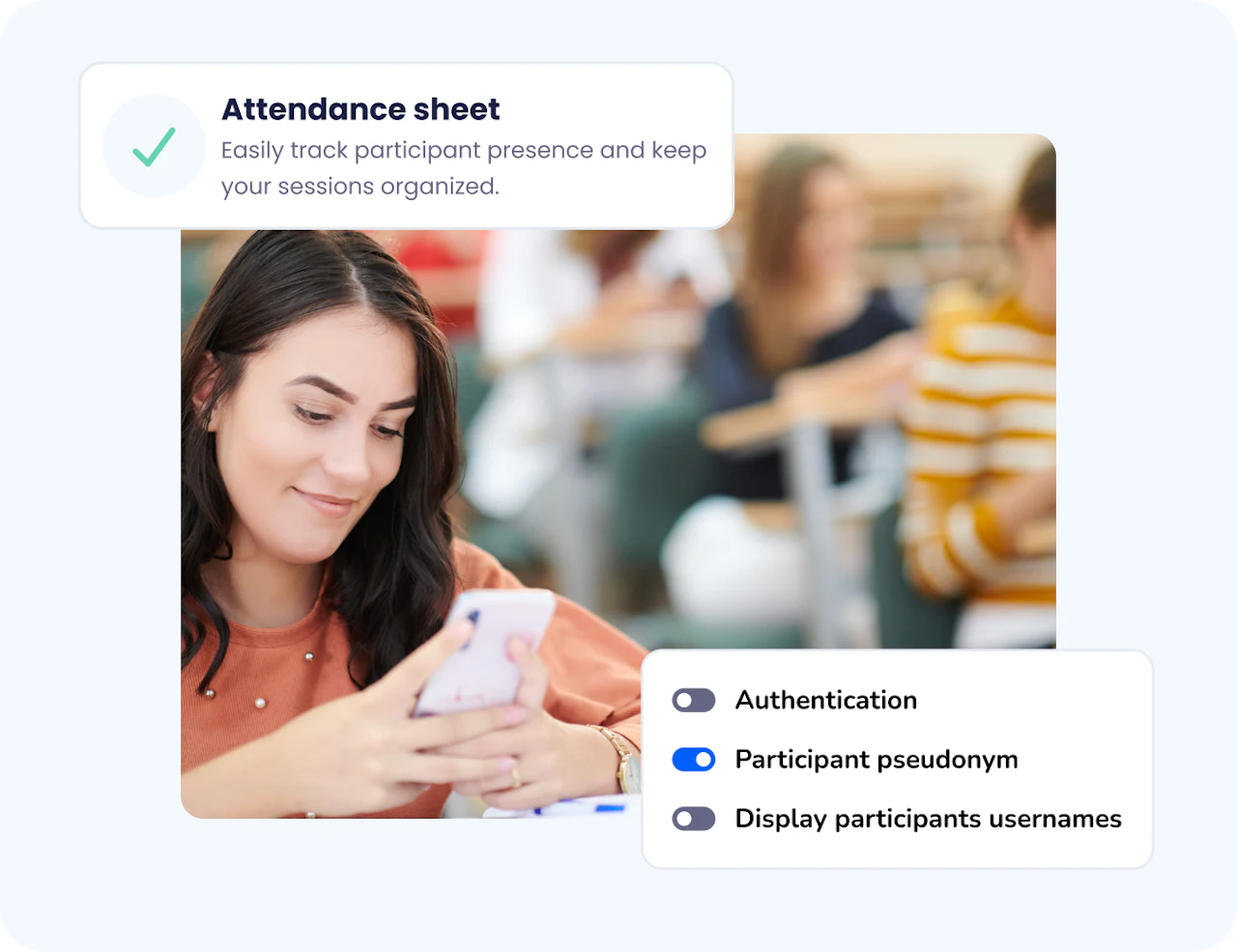
Go to your event's Settings, find the Authentication section, and enable the Attendance Sheet in one click. No additional setup required, it activates immediately for your next session.
Participants sign in automatically
When participants join your event via QR code, link, or LMS, they are directed to the attendance sheet before accessing the content. They confirm their name, or authenticate via email or institutional SSO if you've enabled it, and their presence is recorded with a timestamp.
Review, export, or sync
After the session, open the Report tab to view your attendance data. Export it as a PDF (with session date, location, presenter name, and your organisation's logo) or as an Excel file. If your institution uses an LMS, sync the data directly to your gradebook.
How educators and trainers use Attendance Sheet
Attendance Sheet fits any context where presence needs to be tracked accurately and efficiently, without adding extra steps to the session.
Higher education lectures & seminars
Professors track student attendance for in-person, online, and blended courses, with data ready to sync with their LMS gradebook or submit for accreditation.
K-12 classrooms
Teachers record attendance during live sessions or self-paced activities, keeping organised records across multiple classes without extra admin work.
Corporate training & onboarding
Trainers document participant presence for workshops, compliance training, and certification sessions, with exportable PDF reports for HR or audit purposes.
Hybrid and remote sessions
Facilitators running sessions across different locations or time zones capture attendance automatically regardless of how participants join, with no format-specific adjustments needed.
AI that supports effective formative learning
Wooclap's AI helps you create richer learning moments with less effort: it generates MCQ follow-up questions to reinforce understanding, groups open responses into clear themes, summarises brainstorming input, and suggests ideas to enrich any activity. These AI agents save time, surface misconceptions earlier, and help you focus on guiding deeper learning.

Sync attendance directly to your LMS

Canvas
Launch live or self-paced Wooclap activities directly inside your Canvas course. Scores appear instantly in the Canvas Gradebook, with secure SSO access for every student.

Blackboard
Run interactive quizzes and polls directly within Blackboard using LTI integration. Students access activities through their institutional login, and results sync to the Grade Center.

Moodle
Add interactive Wooclap activities to your Moodle course in just a few clicks. Automate grading, track participation, and keep everything centralized within Moodle.

Brightspace
Integrate Wooclap seamlessly into Brightspace to deliver interactive learning experiences. Sync assessment data and participation metrics directly into your Brightspace environment.
Everything you need to track attendance without the admin overhead
One-click activation
Enable the Attendance Sheet directly from your event settings, no extra configuration, no separate tool to open.
Automatic sign-in at session start
Participants confirm their presence before accessing the content, so attendance is recorded before you've said a word.
Timestamped participant records
Each entry captures the participant's name and the exact moment they joined — giving you verifiable, precise data for every session.
Flexible authentication options
Use anonymous participation for open sessions, or require login via email or institutional SSO when you need accurate, identity-linked records.
Export as PDF or Excel
Download a complete attendance report with participant names, timestamps, and customisable administrative details (session date, location, presenter name, and your organisation's logo).
LMS sync for automatic grading
Connect attendance data directly to your LMS (Canvas, Moodle, Blackboard, and others) — participants who sign in receive 100%, those who don't receive 0%, with no manual transfer needed.
Ready to stop taking attendance manually?
Activate the Attendance Sheet in your next Wooclap event and let participants sign themselves in. Your records are ready before the session starts.

Frequently asked questions
Have questions? We’ve got answers to help you get the most our your questions