


Interactive Word Cloud: Turn words into insights, live
One question is enough. Each participant answers from their device, and the words from the whole room come together instantly into a shared visual.



See collective thinking emerge, as it happens
Real-time sense-making
Words and images appear live, the moment they are sent. As repetition increases, terms grow larger, allowing you and your audience to observe how group thinking evolves during the activity, not just after it ends.
Precision without constraints
You can define a correct answer when needed (for example, a key concept or expected term), while still allowing free expression. This makes Word Cloud useful both for open exploration and for checking understanding against a target concept.
Visual engagement by design
Responses are displayed in a highly colourful, dynamic layout that naturally draws attention. The visual contrast helps important ideas stand out and keeps participants focused on the collective result.
From scattered inputs to shared understanding
By aggregating short contributions into a single evolving visual, Word Cloud turns fragmented ideas into something discussable. You can pause, zoom in on dominant terms, or explore why certain words gained traction, anchoring discussion in visible data rather than intuition.
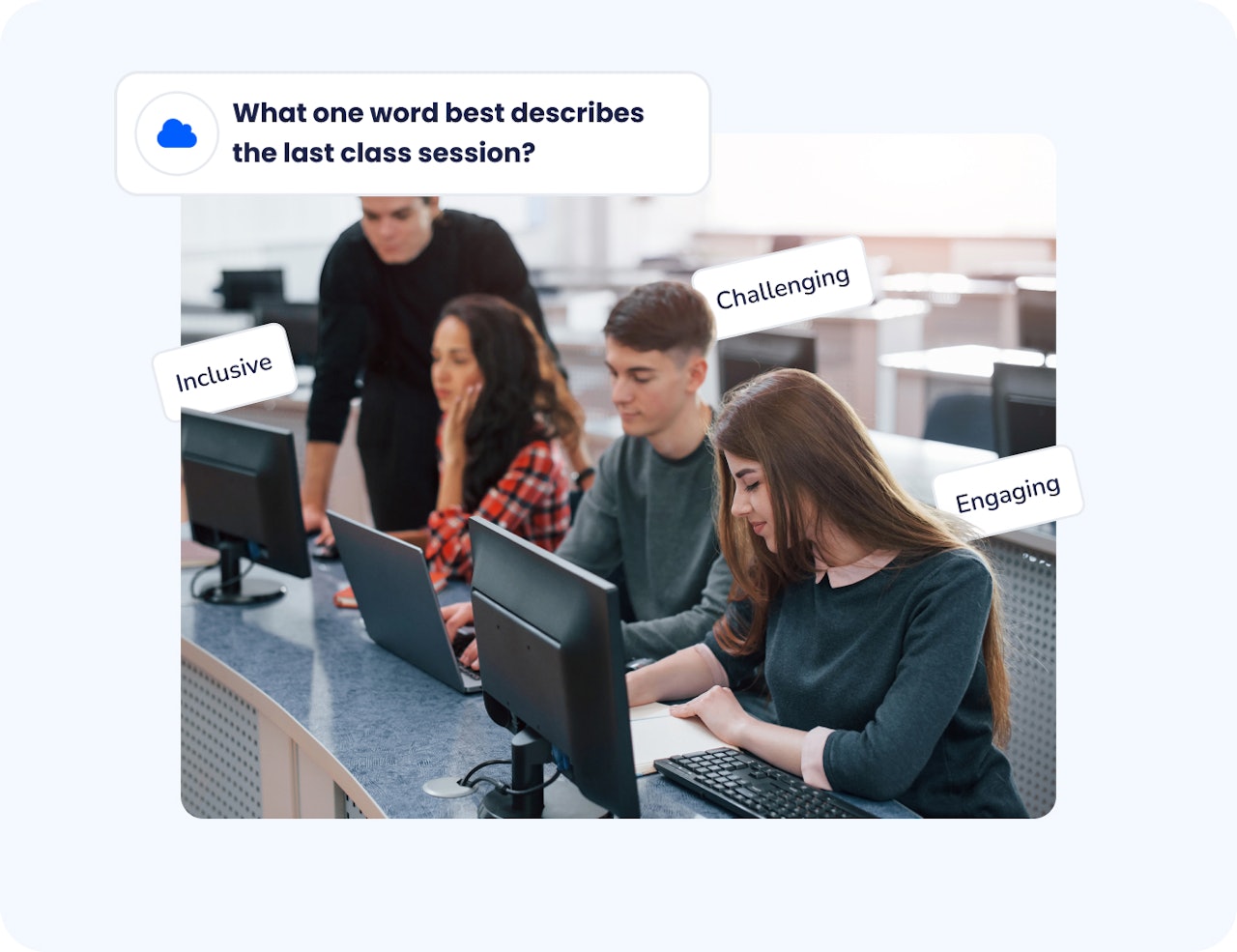
Make concepts tangible and memorable
The spatial and visual nature of the cloud helps participants connect ideas, compare perspectives, and retain key themes. Seeing concepts grow in size reinforces their importance through repetition and collective agreement.
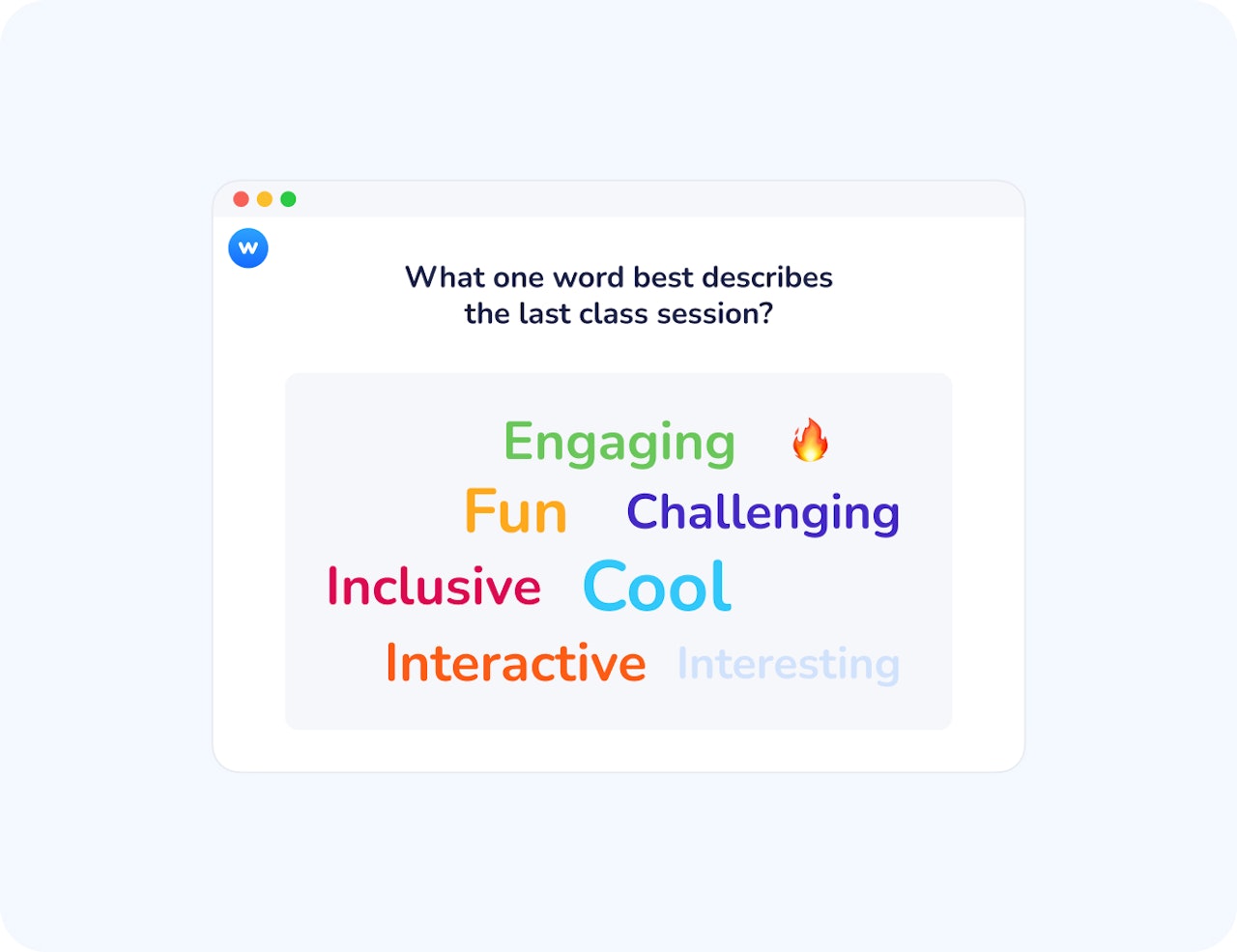
How Word Cloud works
Ask an open-ended question
Create a question inviting short text responses, keywords, or even images. You can optionally define a correct answer or leave the activity fully open.
Responses appear instantly
Participants submit answers from their devices. Each word or image appears immediately in the cloud, which reorganises itself live as new responses come in.
Highlight, react, and discuss
Repeated answers grow larger. Participants can like responses to signal agreement or relevance, adding an extra layer of feedback to the visual.
Create a Word Cloud
Real stories, real impact

Wooclap offers a very wide variety of question types and supports both live and self-paced engagement modes with an audience or student population.
Chris LorchLead for Learning Technologies Pilots and Integrations, Duke University
How teachers and trainers use word clouds
Word Cloud is ideal whenever you want to explore, align, or synthesise ideas quickly.
Icebreakers and emotional check-ins
Ask participants to share a word or image representing their mood, expectations, or energy level.
Activating prior knowledge
Reveal what learners already associate with a topic before introducing new content.
Live training and workshops
Capture reactions, key ideas, or questions as the session unfolds.
Debrief and reflection moments
Ask participants to summarize learning outcomes or takeaways in one word.
Make ideas visible, meaningful, and actionable
Ask open-ended questions with words, phrases, or images
Display responses live, as they are submitted
Highlight repetition through size and colour
Allow participants to like responses
Define a correct answer when needed
Moderate, remove, or refine submissions in real time
Reuse questions across sessions
Export responses for follow-up or reporting
Use AI to organize and clarify large result sets
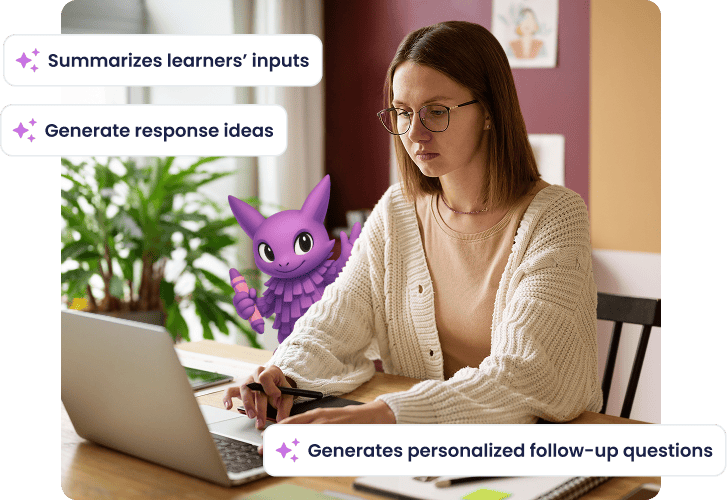
Organise and interpret ideas with AI
When responses grow numerous, Wooclap’s Answer Organizer AI agent helps you make sense of them. Automatically group similar words or expressions, reduce noise caused by synonyms or phrasing variations and surface clear themes from large volumes of input
This allows you to focus on interpretation and discussion, rather than manual sorting, especially in large-scale sessions.

Frequently asked questions
Have questions? We’ve got answers to help you get the most our yours!