


Point to the right place
Find on Image lets participants identify a precise area on an image by clicking directly on it. Instead of choosing from predefined answers, they demonstrate understanding through spatial recognition. This makes it especially effective for visual disciplines where location, structure, or positioning matters.
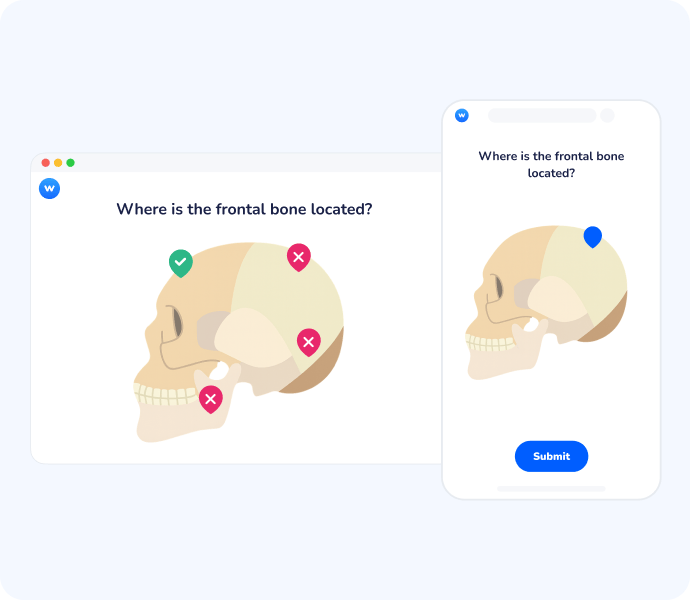
Turn visual observation into active participation
Foster visual precision
Participants must move beyond general recognition to precise identification, reinforcing their ability to locate and name specific details within a complex visual field.
Map collective knowledge
Instantly visualize where the entire group is looking by displaying all answers on a single image, revealing common misconceptions or areas of high confidence.
Adapt to any discipline
From medical imaging and engineering blueprints to art history and map reading, this versatile format fits any subject that relies on visual information.
Clear insight at a glance
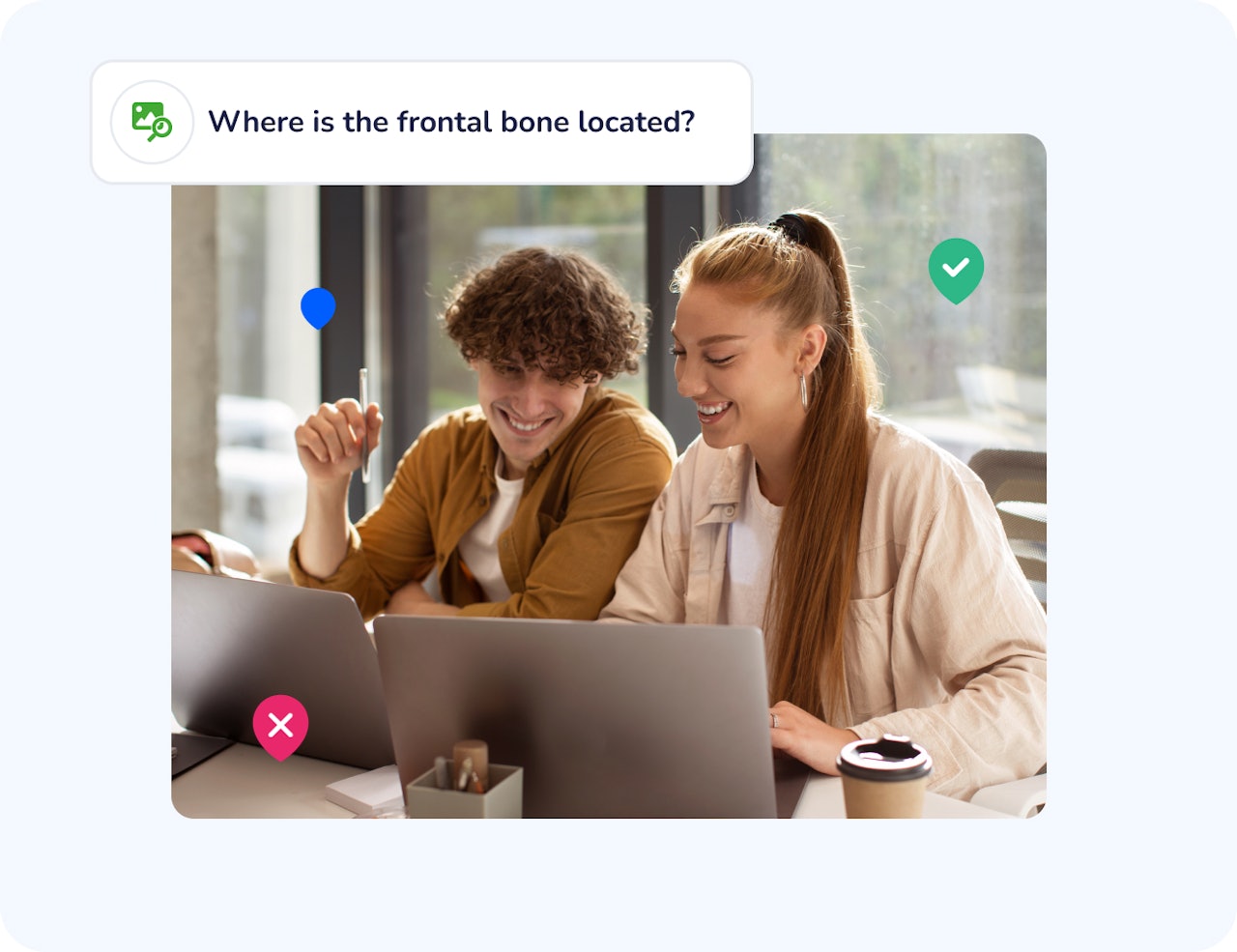
Collective responses appear directly on the image, making patterns easy to interpret. This helps educators to address misunderstandings in real time or review them afterward.
From passive looking to active finding
Traditional slide images are often glazed over during a presentation. By turning an image into a "Find on Image" question, you move from passive reception to active search, ensuring participants truly process the visual information being shared.
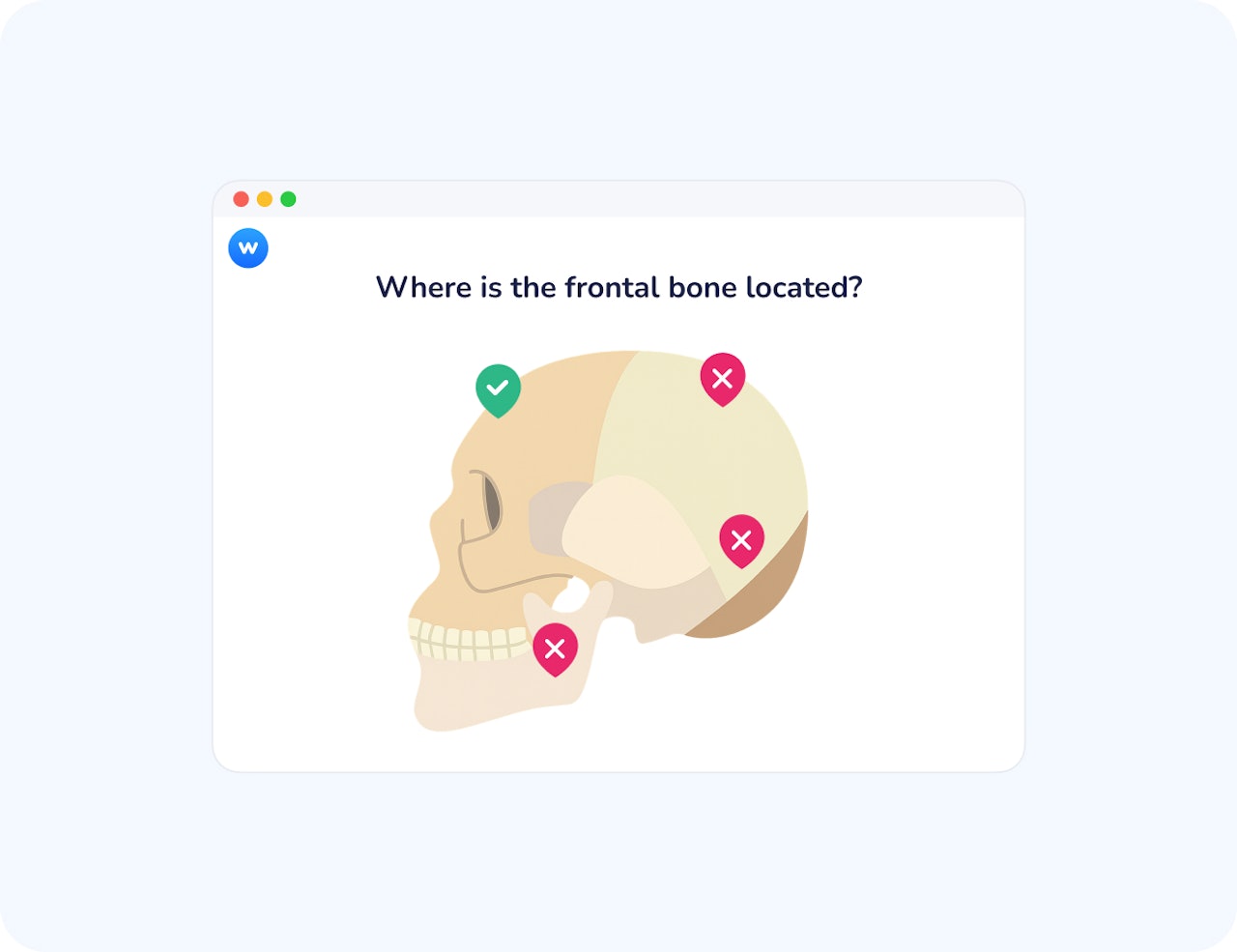
How Find on Image works
Upload your image
Upload any standard image file (JPG, PNG) to Wooclap to serve as your interactive canvas.
Define the target zones
Draw one or more clickable areas directly onto the image to set the correct answers for your participants.
Collect and display results
Participants click the image on their own devices, and you display the results as a heatmap or individual pins to trigger a discussion.
How teachers and trainers use Find on Image
Find on Image is particularly useful whenever understanding depends on visual localisation rather than verbal explanation.
Ice breakers and team check-ins
Ask participants to click on the area of an image that best represents their current mood, energy level, or mindset. This visual ice breaker lowers the barrier to participation and helps teams express how they feel without needing to put it into words.
Medical and health education
Identify anatomical structures, zones, or clinical indicators on medical images.
STEM subjects
Locate components on diagrams, circuits, graphs, or technical schematics.
Geography and social sciences
Pinpoint regions, landmarks, or spatial elements on maps or visual documents.
Save time when creating image-based activities
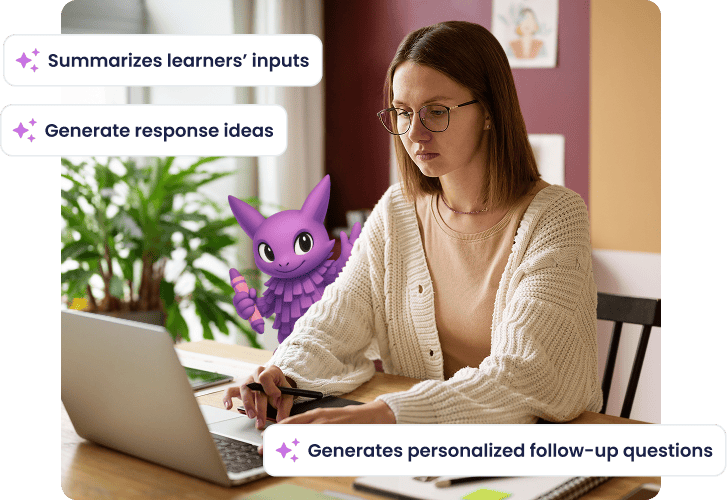
Our Image Labeler AI agent helps you prepare your Label an image question more efficiently by suggesting labels directly on visuals. It reduces manual setup and supports clearer, more structured activities, while you stay fully in control of what is kept, edited, or removed before sharing with participants.
Turn images into active learning moments
Click-based answers
Let participants respond by clicking directly on an image, turning visual material into an interactive question.
Precise answer zones
Define exactly which areas of the image are considered correct to ensure reliable assessment.
Instant visual aggregation
See all responses overlaid on the image to quickly identify patterns and misunderstandings.
Live or asynchronous use
Run Find on Image during live sessions or asynchronously to fit different learning formats.
Clear feedback for facilitation
Use response distributions to guide explanations, discussions, or corrections.
Works across disciplines
Apply the feature to any context where spatial or visual understanding matters.
Make visual understanding interactive
Create your first Find on Image question and see how learners respond in real time.

Frequently asked questions
Have questions? We’ve got answers to help you get the most our your....