

Every activity, at the right pace
Keep your sessions on track with two flexible ways to manage time in Wooclap. Add a timer to your questions to structure answers, or use the standalone Timer question to time an activity without collecting responses. By making time visible to everyone, Wooclap supports focus, pacing, and fair participation in live or asynchronous sessions.
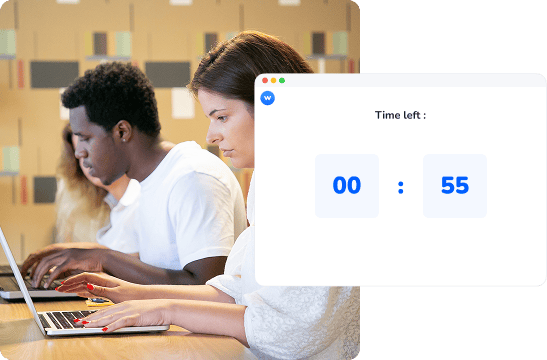
Timing drives focus, flow, and fair participation
Keeps everyone focused
A visible countdown helps participants concentrate on the task at hand and reduces hesitation. It creates a shared sense of urgency without rushing the learning process.
Structures activities naturally
Time limits help segment a session into clear moments. This makes transitions smoother and supports better rhythm during facilitation.
Creates fair conditions
Everyone works within the same timeframe, which encourages balanced participation and avoids overrepresentation by faster respondents.
Master your rhythm
The timer allows you to transition smoothly between active participation and theoretical explanation. By defining the "active" window, you create a rhythmic learning experience that prevents fatigue and keeps energy levels high throughout the session.
Drive active decision-making
When time is a visible factor, participants are encouraged to move from over-analysis to active decision-making. This is particularly effective for collaborative frameworks and competitive quizzes where quick thinking is a core learning objective.
Add a timer to a question - Option 1
Use this when you want to collect answers within a fixed time frame.
Set a time limit
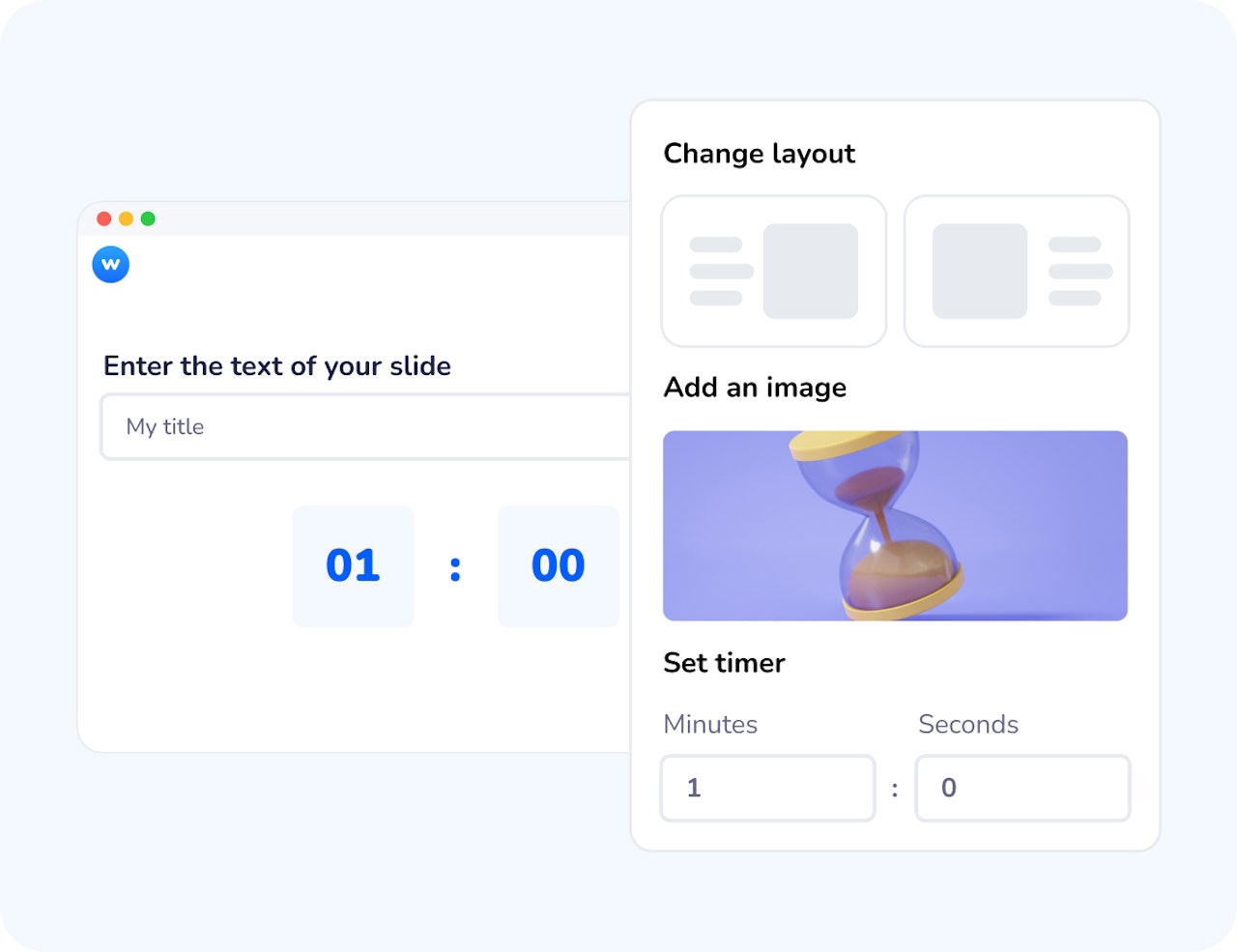
Add a timer in the question settings and choose how long participants have to respond.
Launch the question
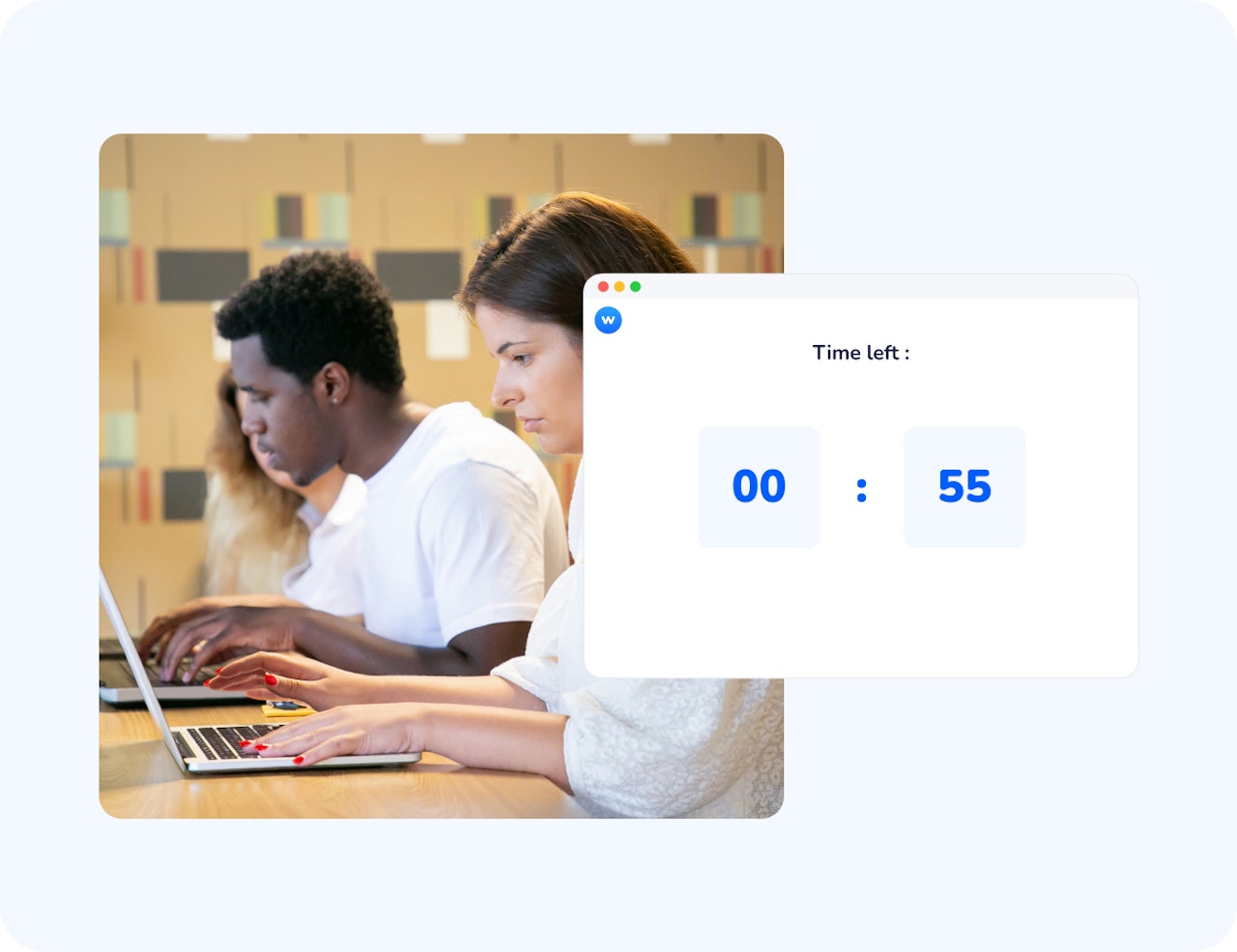
When the activity starts, participants see a visible countdown alongside the question.
Responses close automatically
When time runs out, answers are submitted and you can move straight to results, discussion, or feedback.
Use the Timer question - Option 2
Use this when you want to time an activity without collecting answers.
Insert a Timer question
Add the Timer as its own question type and set the duration.
Start the countdown
Participants see a full-screen timer, ideal for discussions, group work, or reflection.
Move on when time is up
When the timer ends, you naturally transition to the next activity.
How teachers and trainers use the Timer
The timer is a versatile tool that adapts to any environment where time-boxed activities drive better results.
Timed Exams & Certifications
Ensure fairness by automatically cutting off answers once the official time limit for a test has been reached.
Icebreakers & Brainstorming
Use a 2-minute "Lightning Round" to encourage participants to share their first instincts and generate a high volume of ideas.
Group Workshops
Set a 15-minute limit for breakout discussions to ensure teams move quickly from debate to summarizing their findings.
Medicine & STEM
Simulate high-pressure environments, such as diagnostic drills, where speed and accuracy are equally vital for student success.
Adapt your session based on timed results
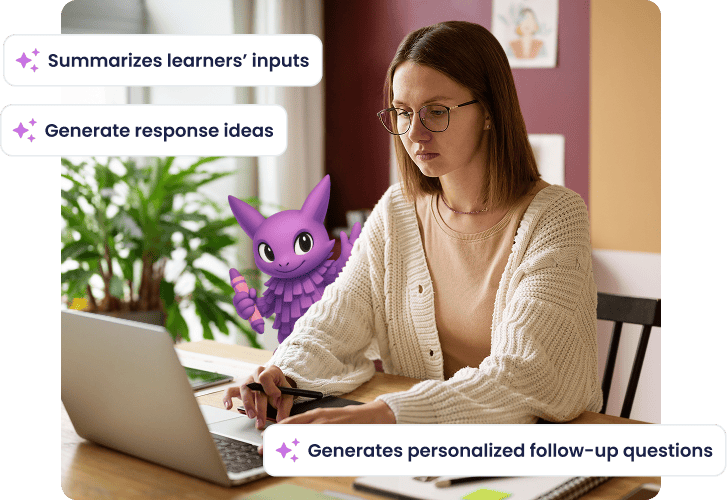
When you add a timer to a multiple-choice question, results become immediately actionable. If responses show hesitation, low accuracy, or uneven understanding, the Follow-up Agent can suggest a relevant next MCQ question to clarify concepts, reframe the problem, or check understanding again. This makes it easy to move from a time-boxed check to a targeted follow-up, without interrupting the flow of the session. You stay responsive to learners’ needs while keeping pace and structure.
Take full control of your session's tempo
Add a visible countdown to activities
Set clear expectations so participants know exactly how long they have to respond.
Frame questions with time limits
Encourage focus and commitment by bounding reflection time.
Create shared pacing
Keep everyone progressing together during live or asynchronous activities.
Support smooth transitions
Use the end of the timer as a natural moment to move to discussion or feedback.
Reduce facilitation friction
Let time management happen automatically, without constant reminders.
Encourage fair participation
Give all participants equal conditions to contribute.
Keep your sessions focused and on time with Wooclap!
Start using the Timer to structure activities and guide participation naturally.

Frequently asked questions
Have questions? We’ve got answers to help you get the most our your....