


Brainstorming online: every idea, in real time
Collect everyone's ideas at once, in real time. Group them, visualise, and let our AI surface the themes.
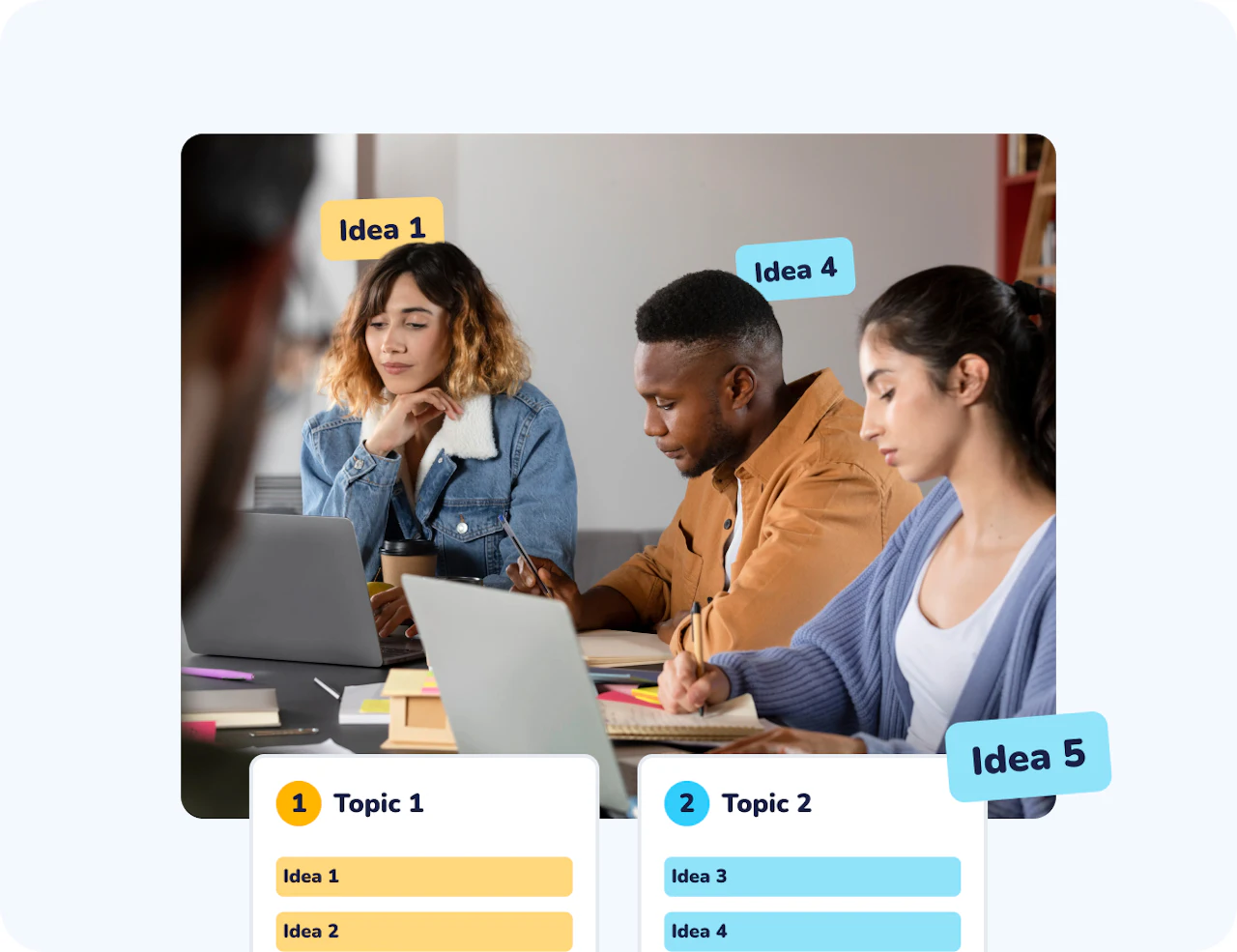
Collect ideas at scale
Brainstorming lets participants share ideas freely and simultaneously, using words or short phrases collected in real time. It is especially effective for opening discussions, exploring prior knowledge, or generating diverse perspectives in class, training, or workshops. Contributions can be moderated, grouped, and visualised to support collective sense-making.
Collect ideas at scale
Brainstorming makes it possible to gather many short contributions at once, such as interpretations, hypotheses, examples, or questions, revealing the breadth of thinking across a group.
Support divergent thinking
By enabling parallel contributions, Brainstorming encourages exploration without immediately narrowing options or evaluating correctness, keeping multiple lines of thought open at the same time.
Create a shared pool of ideas
All contributions remain visible together, offering a concrete material that participants can refer to, compare, and build on as the activity unfolds.
Make prior thinking visible
Brainstorming reveals what participants already have in mind before ideas are shaped, structured, or refined. This helps anchor what follows in existing representations rather than abstract assumptions.

Reduce pressure while increasing engagement
Short, simultaneous, and optionally anonymous contributions lower the cost of participation. This encourages broader involvement and allows ideas to emerge without the pressure of producing a polished or “correct” response.
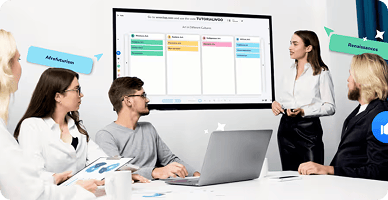
How Brainstorming works
Create your categories
Define the headers or themes you want participants to contribute to. You can choose to have a single board or multiple columns to organize thoughts from the start
Collect ideas in real time
Participants submit simultaneously. Responses appear live, either immediately or after moderation, depending on your settings. Participants can also like each other’s contributions, helping the group surface the most relevant or widely shared ideas for discussion.
Structure and discuss
Group, highlight, or select contributions to guide discussion and help the group identify key themes or directions. Once finished, export the entire brainstorm into an Excel or PDF report for easy follow-up.
How teachers and trainers use Brainstorming
Brainstorming adapts easily to different learning moments, from exploration to reflection.
Session introductions
Elicit prior knowledge, assumptions, or expectations at the start of a session.
Concept exploration
Collect examples, definitions, or hypotheses before formal explanation.
Professional workshops
Generate ideas, challenges, or solutions collaboratively during team sessions.
Reflection and feedback
Invite participants to share takeaways, questions, or next steps at the end of an activity.
Never start from a blank page
When ideas slow down, the Idea Generator AI agent suggests new contributions to spark discussion and open fresh directions, helping participants move past the blank-page effect. As responses accumulate, the Summarizer AI agent highlights dominant themes and key ideas to support facilitation and sense-making at scale. These AI agents support creativity without replacing participant thinking and are always clearly identified, so you can easily distinguish AI-generated ideas from human contributions.

A simple way to activate collective thinking
Collect open-ended ideas
Gather short text contributions from all participants at the same time, capturing diverse perspectives.
Support anonymous participation
Allow contributors to share ideas freely, reducing self-censorship and hesitation.
Moderate responses
Review and validate ideas before displaying them to maintain relevance and focus.
Group related ideas
Organize responses into themes to structure discussion and clarify thinking.
Highlight key contributions
Enable voting on contributions so the group can collectively identify the most important or popular ideas.
Visualise participation
Display ideas dynamically to make collective thinking visible to everyone.
Start your next session with a Brainstorming activity
Turn ideas into shared understanding.

Frequently asked questions
Have questions? We’ve got answers to help you