

Ask openly, see clearly.
Give your audience a voice by collecting their thoughts and ideas in real time. Whether you are brainstorming in a workshop or checking for understanding in a lecture, Wooclap creates the conditions for active exchanges of perspectives, even with larger groups of learners.
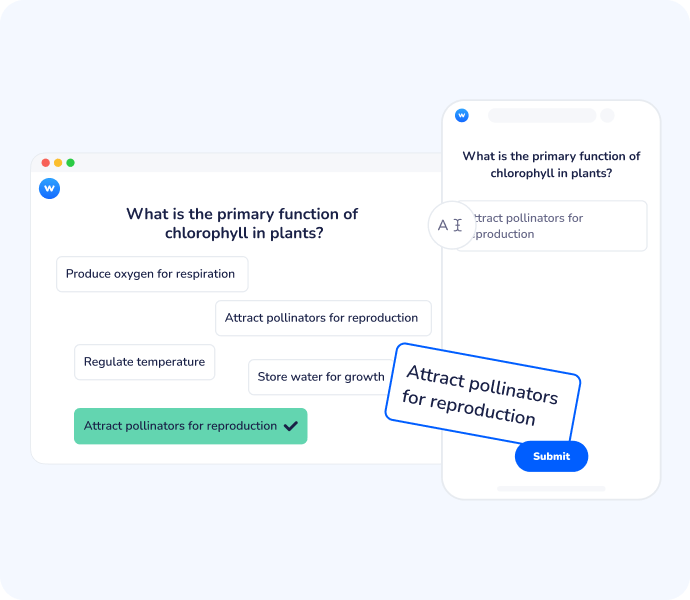
Gather authentic insights and spark discussion
Promote critical thinking for your audience
Encourage participants to formulate their own answers rather than choosing from a list, fostering deeper reflection and original thought.
Visualize collective intelligence
Transform a sea of individual responses into clear, organized formats like word clouds or lists to identify trends and shared ideas instantly.
Pick the format that fits your goal
Use the same “open-ended” approach for different needs, quick idea generation (Brainstorming), thematic exploration (Word Cloud), structured thinking (Framework), or full explanations (Open Question).
Capture the nuance of every response
Unlike multiple-choice questions, Open questions allow for qualitative depth. You can collect detailed feedback, complex explanations, or creative suggestions, giving you a more accurate pulse of the room’s understanding or sentiment.

Turn results into a collaborative debate
By displaying responses live, you create a shared focal point for the group. This transparency allows facilitators to highlight specific answers, group similar ideas together, and use the audience's own words as the foundation for the next part of the session.
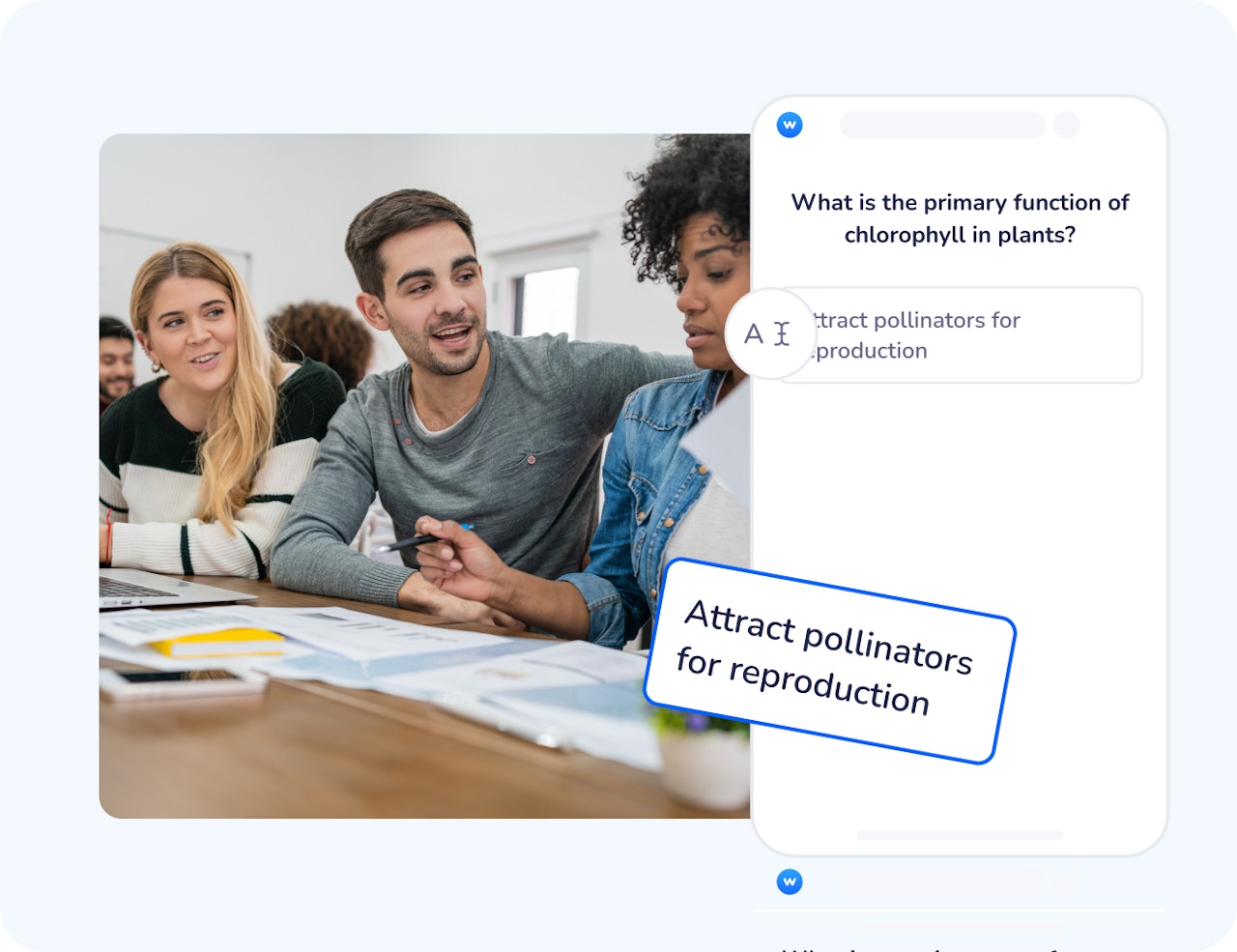
How open-ended questions work
Choose the format
Pick the open-ended type that matches your goal, Brainstorming, Word Cloud, Open Question, or Framework.
Ask and collect responses
Participants answer freely on their own words from their own devices, live or at their pace.
Visualise and discuss
Word Cloud highlights recurring words, Brainstorming and Open Question display individual contributions, and Framework helps organise responses into predefined categories.
How teachers and trainers use open-ended questions
Open-ended formats work best when you want ideas, reasoning, or feedback, without forcing people into preset options.
Quick pulse check (any topic)
Use Word Cloud to collect keywords, perceptions, or associations, then discuss what stands out.
Explain your reasoning (STEM, health, law, business)
Use Open Question to ask for justification, interpretation, or step-by-step thinking.
Training and workshops
Guide participants through structured reflection activities to explore challenges, opportunities, or solutions together.
Estimate, measure, calibrate (STEM, finance, operations)
Use Framework to organise responses into predefined categories and reveal patterns in reasoning.
Turn ideas into structure
Our AI agents support open-ended activities from idea generation to synthesis. The Idea Generator helps kickstart brainstorming, the Summarizer highlights key themes across responses, and the Answer Organizer structures inputs into clear categories to support discussion at scale.
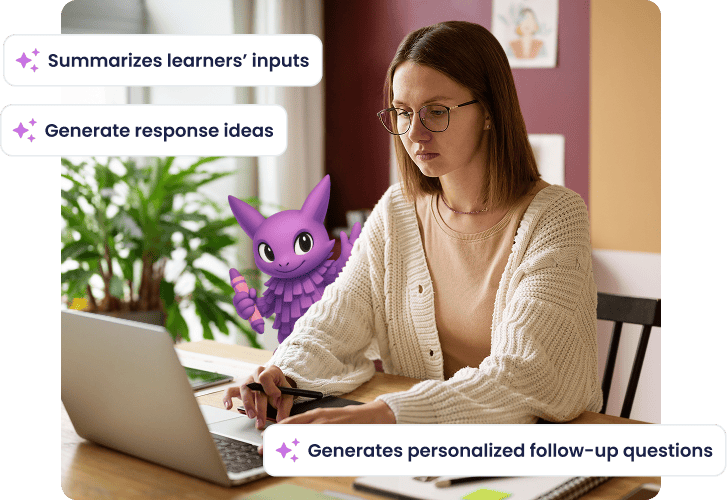
Collect richer input with three open-ended formats
Choose between three open-ended types
Use Brainstorming, Word Cloud, Open Question, or Framework depending on whether you need free ideation, themes, structured thinking, or detailed text.
Collect free-text responses
Let participants answer openly, with their own words, to support discussion and in-depth feedback.
Add correct answers when needed
For Open Question, you can optionally define one or more correct answers so responses can be graded.
Keep responses manageable
Open Question includes controls like a character limit, moderation, and options such as allowing multiple answers or images.
Switch the way results are displayed
Open Question results can be displayed in different views, including a list, grid, or word cloud view.
Ready to hear what your audience has to say?
Create your first Open question today and turn your presentation into a conversation.

Frequently asked questions
Have questions? We’ve got answers to help you get the most our your....