

Audience reactions, made manageable
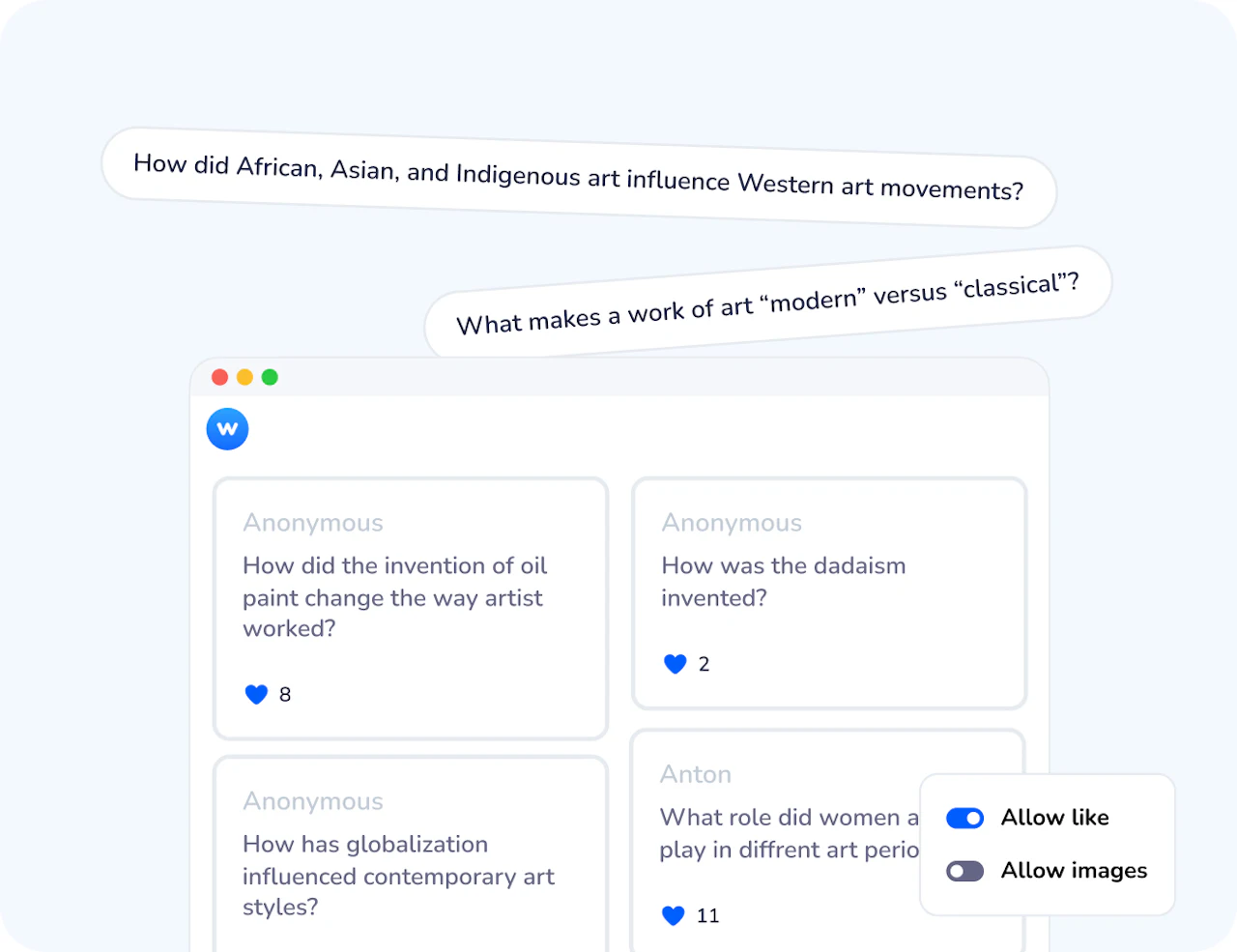
Wooclap's Message Wall gives every participant a space to ask questions, share thoughts, and post images throughout your session, without interrupting the flow. Messages appear in real time, participants can like each other's contributions to surface the most important ones, and you stay in full control of what gets displayed.




Why Message Wall changes how Q&A works
Every voice gets heard
In a large group, only a few people usually ask questions out loud. The Message Wall gives every participant, including the quietest ones, an equal and pressure-free way to contribute, anonymously if needed.
The group sets the agenda
Participants can like each other's messages, automatically pushing the most relevant questions to the top. Instead of guessing what the group wants to discuss, you see it in real time, and address what matters most.
You stay in control
Approve messages before they appear, organise them into categories, archive anything off-topic, and switch between grid, sorted, or category views at any point. The discussion runs at your pace, not the audience's.
From one-way presentation to open conversation
A traditional Q&A at the end of a session captures the questions of three or four people. The Message Wall captures the questions of everyone, during the session, not just at the end. That changes the quality of the discussion: you address the questions that genuinely matter to the group, and you do it at the moment when the content is still fresh.

Structured, not chaotic
Unlike an open chat box, the Message Wall is designed for facilitation. Categories let you organise questions by topic before you address them. Likes let the group do the prioritisation for you. The moderator interface lets you approve, archive, or highlight messages from a separate screen. But if you activate Authentication, the equation shifts: every message is linked to a real participant. After the session, you know who asked what, useful for following up individually, identifying who needs support, or building a clearer picture of where each person stands.
How Message Wall works
Activate in your event settings
Go to your event's Settings, find the Message Wall section, and enable it with one click. Optionally enable likes, image sharing, and anonymous submissions depending on your session goals.
Participants submit questions throughout the session
Once the event starts, participants access the Message Wall via a bubble on their screen. They post questions, comments, or images at any time during the session, without interrupting the current activity. They can also like each other's messages to push the most popular ones to the top.
You moderate and display what matters
Open the Message Wall at any point during your session by clicking the Messages button. Sort by popularity, switch to grid view, filter by category, or display a message in full screen. Use the Moderator interface to approve messages, organise them by topic, and archive anything off-topic, before it reaches the main screen.
How teachers and trainers use Message Wall
Message Wall fits any session where you want to hear from the whole room, not just the most vocal participants. It works in large lectures, small seminars, hybrid events, and corporate workshops alike.
Large lectures & university courses
Students submit questions throughout the lecture without interrupting the speaker. At a natural pause, the presenter addresses the most-liked questions, covering what the group actually wants to understand
Visual brainstorming & photo walls
With image sharing enabled, participants submit photos, diagrams, or illustrations related to the session topic, useful for showing work in progress, sharing visual references, or running image-based discussions.
Workshops & training sessions
When the subject matter is challenging, anonymous posting helps participants express thoughts or questions they wouldn't share publicly, leading to more honest, productive discussions.
Sensitive or complex topics
Teams use a risk matrix or design thinking canvas to collectively identify constraints, opportunities, and priorities at the start of a project sprint.
AI that supports effective formative learning
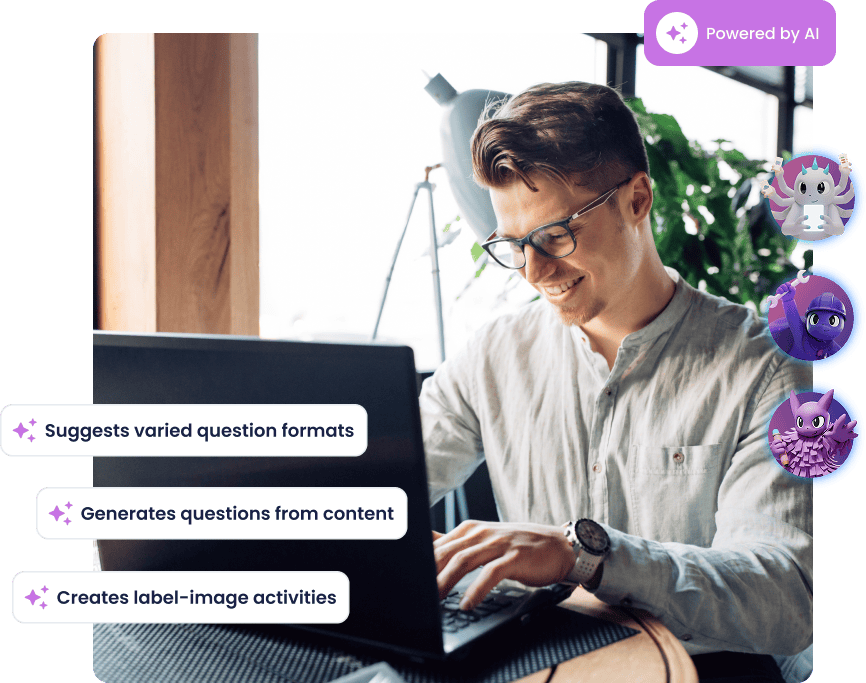
Wooclap's AI helps you create richer learning moments with less effort: it generates MCQ follow-up questions to reinforce understanding, groups open responses into clear themes, summarises brainstorming input, and suggests ideas to enrich any activity. These AI agents save time, surface misconceptions earlier, and help you focus on guiding deeper learning.
Everything you need to run structured, open Q&A sessions
One-click activation
Enable the Message Wall directly from your event settings, it's available throughout the session as soon as participants join.
Anonymous submissions
Participants can post questions without their name being visible to others, encouraging open participation especially on sensitive topics.
Likes and popularity sorting
Participants like each other's messages, and you can sort by popularity at any time, so the most relevant questions automatically rise to the top.
Image sharing
Participants can upload photos or take pictures directly from their device, making the Message Wall usable as a visual brainstorming tool or interactive photo wall.
Flexible display views
Switch between list view sorted by likes, grid view for image-heavy walls, or category view to group messages by topic, all during a live session.
Full moderator control
Use the Moderator interface to approve messages before they appear, organise them into named categories, archive off-topic posts, and display individual messages in full screen.
Ready to hear from your whole audience, not just the loudest voices?
Activate the Message Wall in your next Wooclap event and let every participant contribute on their own terms.
Frequently asked questions
Have questions? We’ve got answers to help you get the most our your questions