

Connect ideas that belong together
Turn static lists into a dynamic challenge where participants connect related concepts in real time. This interactive question type helps learners visualize links between ideas, making it ideal for testing definitions, associations, or logical sequences. Whether in a classroom or a training session, it transforms passive observation into an active mental exercise.
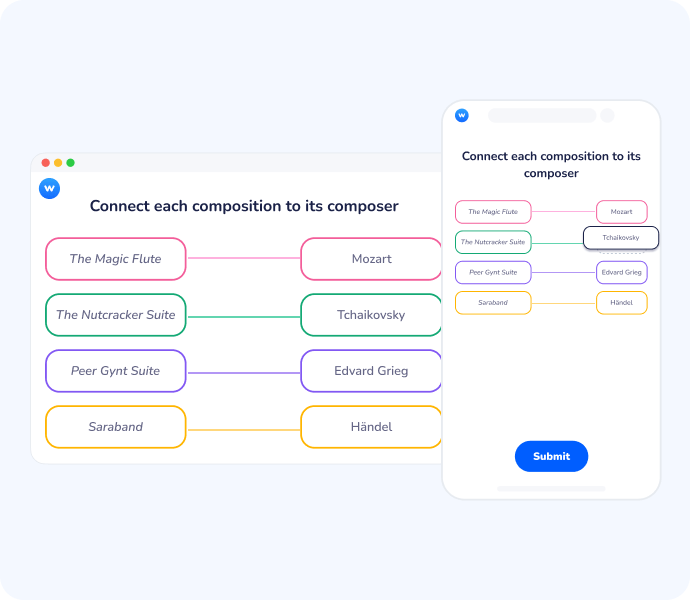
Make relationships visible
Reveal relational understanding
Matching requires learners to demonstrate how elements relate to one another, whether through text, visuals, audio or a combination of both. This helps uncover partial understanding and misconceptions.
Promote active reasoning
By comparing and pairing items, participants engage in deliberate thinking rather than passive selection.
Identify specific knowledge gaps
Instantly see which pairs are most frequently confused to address misunderstandings the moment they happen.
Move from passive listening to active mental mapping
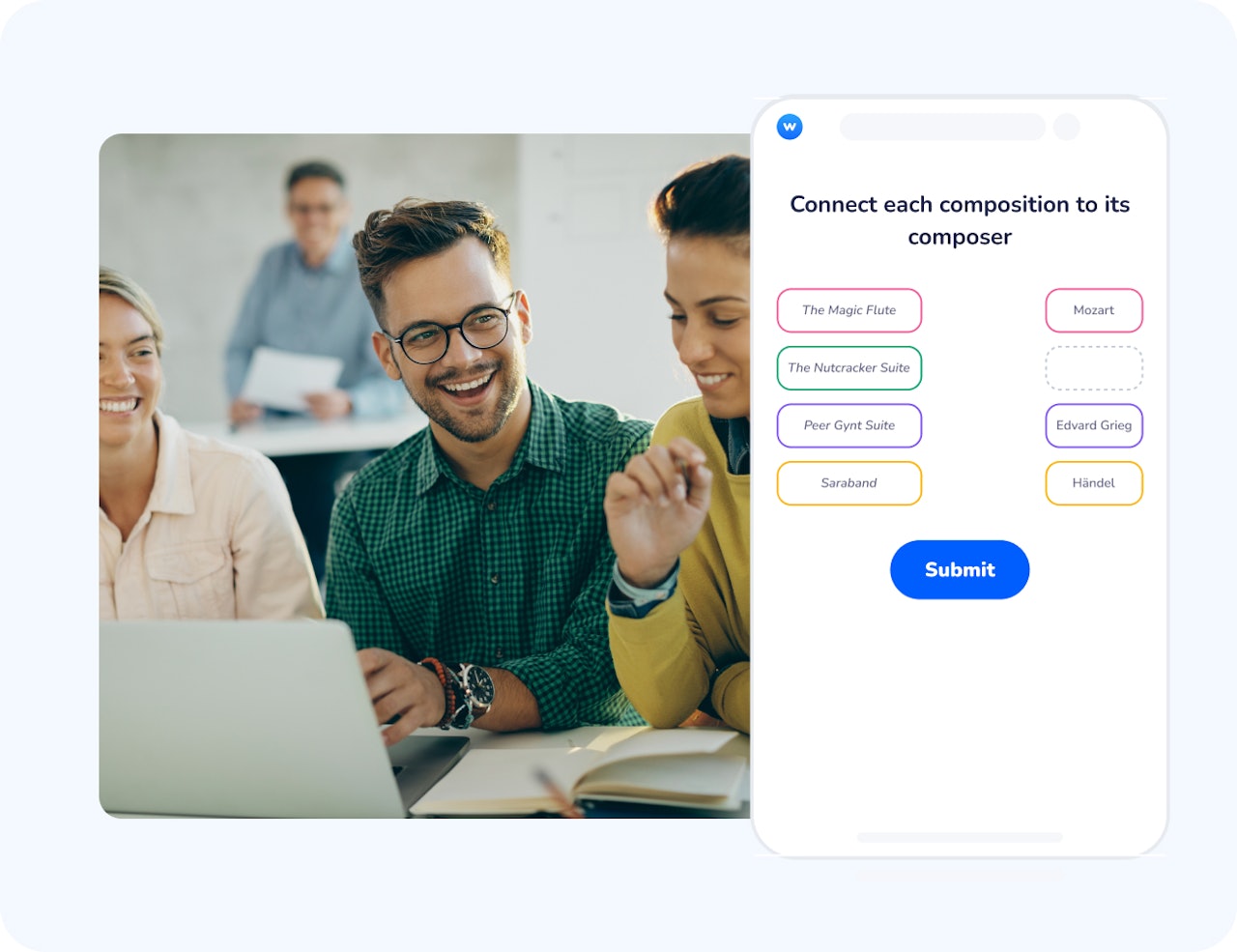
The Matching question forces participants to scan, compare, and categorize information. By requiring them to find the "perfect fit" for each item, you shift the learning experience from simple recognition to active problem-solving.
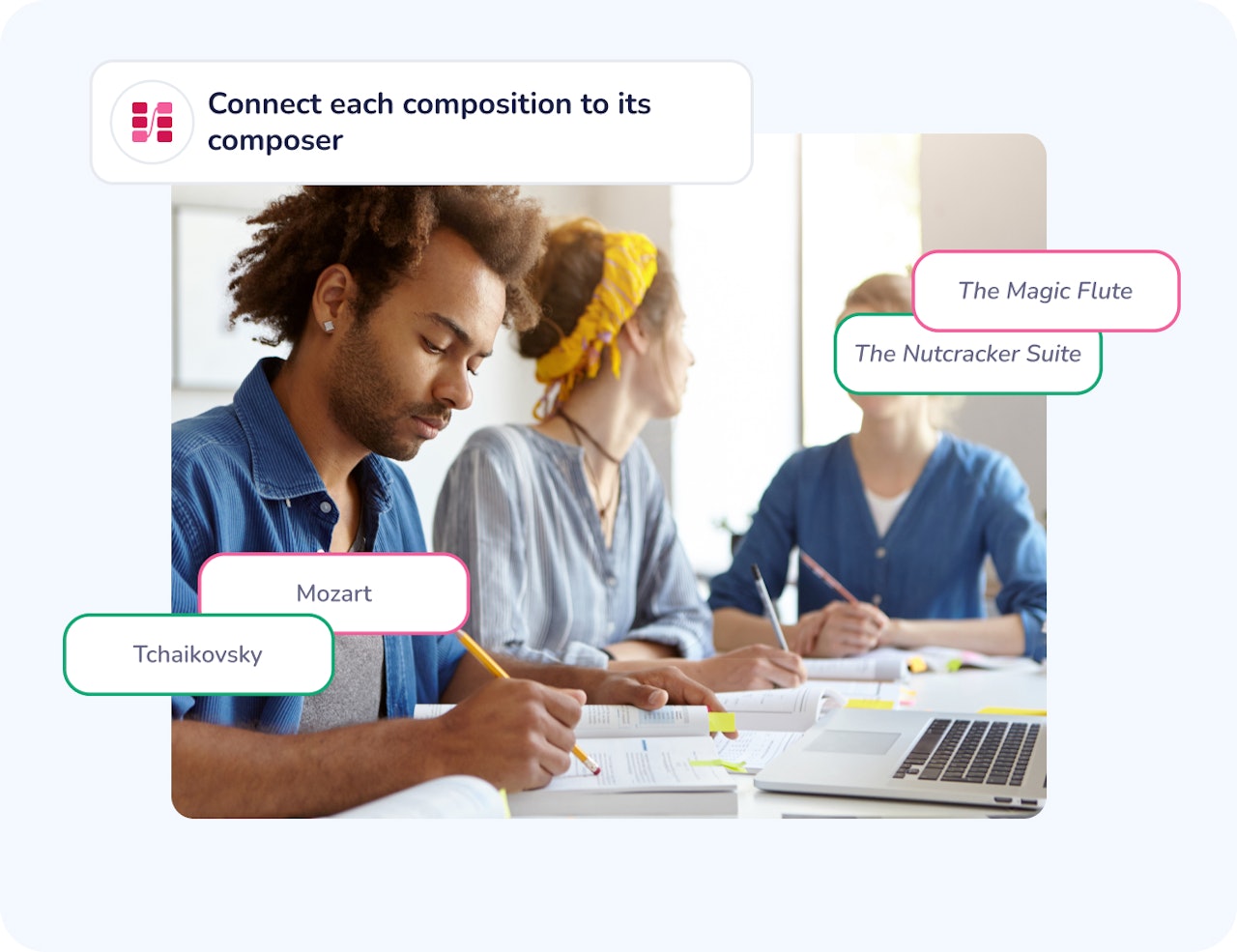
Real-time feedback for immediate correction
As results come in, the visual distribution of correct and incorrect matches allows you to pivot your explanation instantly. This immediate loop ensures that students or trainees don't leave the session with uncorrected misconceptions.
“Each time students recall knowledge from memory, they’re not just measuring what they know, they’re strengthening it. As neuroscientist Steve Masson notes, ‘retrieving information activates and reinforces the same neural networks that were used to learn it.’ Through this process, retrieval practice doesn’t simply assess learning, it creates it which turns recall into a powerful tool for long-term retention.”
Masson, S. (2018). Nos neurones et l’apprentissage: Les neurosciences au service de la pédagogie. Éditions Odile Jacob.
How Matching works
Create pairs
Add two lists of related elements. These can include text, images, audio files, or a combination of formats, such as spoken words matched with written expressions, images matched with sounds, or concepts paired with narrated explanations.
Participants connect elements
Learners pair items they believe belong together by matching text or visual elements, or audio-based content either during a live session or asynchronously.
Review responses
View participant matches to identify correct connections, visual misunderstandings, and overall understanding of relationships.
How teachers and trainers use Matching
Matching is particularly useful when learning objectives involve understanding relationships between concepts, visuals, or structures.
Language Learning
Match spoken words or sentences with their written form, translations, or images. Ideal for oral comprehension, pronunciation awareness, and listening-based vocabulary acquisition.
STEM Education
Match chemical elements with their symbols or mathematical formulas with their corresponding geometric shapes.
Corporate Onboarding
Help new hires connect specific company values with their practical applications or departments with their core responsibilities.
Medical & Science Training
Link anatomical terms to their functions or specific symptoms to their most likely diagnoses.
Create questions from your ideas, faster
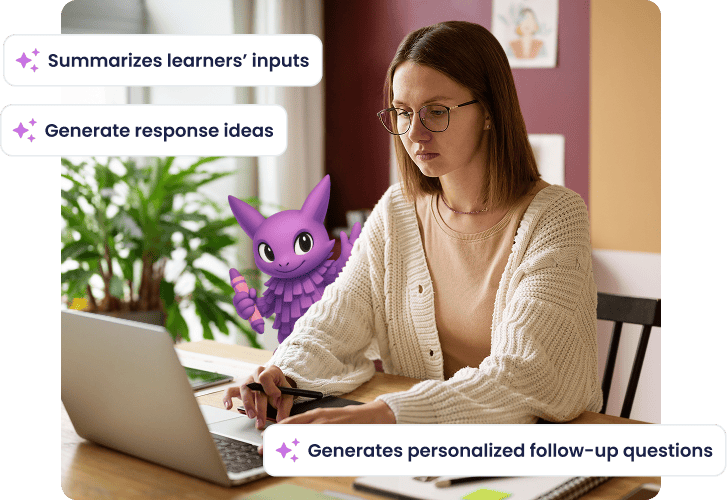
In Wooclap you can use AI to create questions, all you have to do is describe a topic or objective in your own words and it will generate ready-to-use questions. Helping you save preparation time while keeping full control over the content, wording, and final validation before sharing with participants.
Check understanding through meaningful connections
Create paired lists
Define two sets of related elements, including text and images, and audio, to assess how participants understand relationships.
Collect structured matches
Participants actively connect elements, making both conceptual and visual reasoning visible.
Identify misconceptions quickly
Incorrect or inconsistent matches highlight fragile associations that need clarification.
Use live or asynchronously
Run Matching during a session or assign it as a self-paced activity.
Support visual and relational thinking
Matching images with concepts or audio cues strengthens understanding when learning depends on visual cues.
Apply across topics and contexts
Use Matching for simple recall tasks or more complex conceptual and visual relationships.
Make understanding visible with Matching
Create a Matching question and see how learners connect ideas and visuals in real time.

Frequently asked questions
Have questions? We’ve got answers to help you get the most our your....