

Optimizing instructional design in your institution.
New to Wooclap? Join us for our next group live demo!
Custom event design for every session
Give your Wooclap events a look that reflects your identity. Whether you're an individual trainer or part of a large institution, theme customization lets you apply your logo, colors, and backgrounds so every session feels professional and consistent.
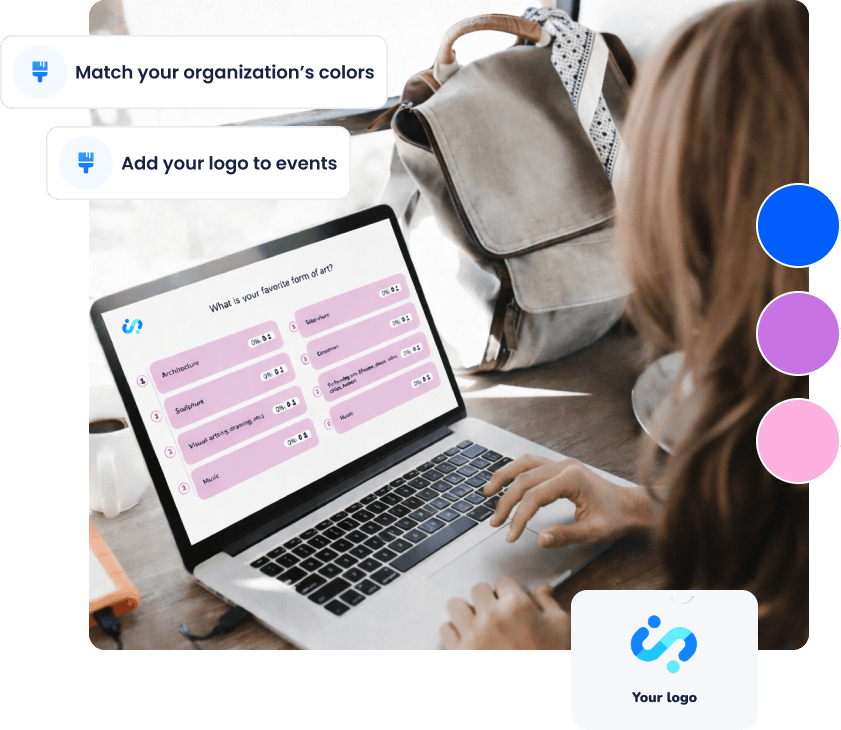
Two levels of theme customization
Theme customization in Wooclap works at two distinct levels, depending on your plan.
With a Wooclap Pro license, you can create and save your own custom themes and reuse them across all the events you own. Define your colors, upload your logo, set a background, and save the result as a reusable theme. Every new event you create can then reflect your personal visual identity without starting from scratch each time.


Why visual consistency matters
Reinforce your identity
A recognizable visual identity helps participants immediately connect the session with your institution or company , whether it's their first event or their fiftieth.
Reduce distraction, improve focus
A clean, coherent design keeps the focus on the content. When the visual environment is familiar and well-designed, participants spend less cognitive effort on the format and more on what they're learning.
Save time at scale
Creating a theme once and reusing it , or sharing it across a team, means trainers don't have to redesign each event individually. Standards are maintained without extra effort.
How the Theme customization works
Open the theme editor
In your event settings, navigate to Theme to start customizing your visual identity.
Customize your design
Add your logo, choose primary and secondary colors, define a background image, and adjust opacity to match your brand guidelines.
Save and reuse
Save your theme and apply it to any future event. On a site license, administrators can make themes available to the whole organization and set a default for new events.
How educators and trainers use theme customization
Framework is useful whenever groups need to structure ideas, analyse a situation together, or make collective decisions based on shared input.
Independent trainers and educators
Create a personal theme that travels with you across sessions, whether you're running onboarding, workshops, or courses.
University departments
Apply faculty or institutional branding consistently across lectures, regardless of who delivers them.
Corporate training teams
Align onboarding, compliance training, and workshops with your company's visual standards, managed centrally by your admin team.
Multi-trainer programs
Ensure every facilitator uses the same theme without relying on each person to configure their own events.
Everything you need to brand your sessions
Add your logo
Upload your logo so participants immediately recognize your institution or organization.
Choose custom colors
Define primary and secondary colors aligned with your brand guidelines.
Set backgrounds and visual styles
Create a consistent visual atmosphere across all questions and slides.
Save reusable themes
Build once, reuse across as many events as you like.
Apply a default theme to new events
Skip the setup every time: your chosen theme is automatically applied whenever you create a new event.
Manage themes organization-wide
On a site license, admins can create, share, and set default themes for the entire organization.
Ensure visual consistency
Create visually consistent, branded learning experiences in minutes — at any scale.

Frequently asked questions
Have questions? We’ve got answers to help you!